3D Rendering Software for Product Renders & 360° Videos
Turn STL, OBJ, GLB and GLTF 3D models into professional product renders and 360° turntable videos on Windows. Import a model, pick a preset, click Render. No 3D skills required.
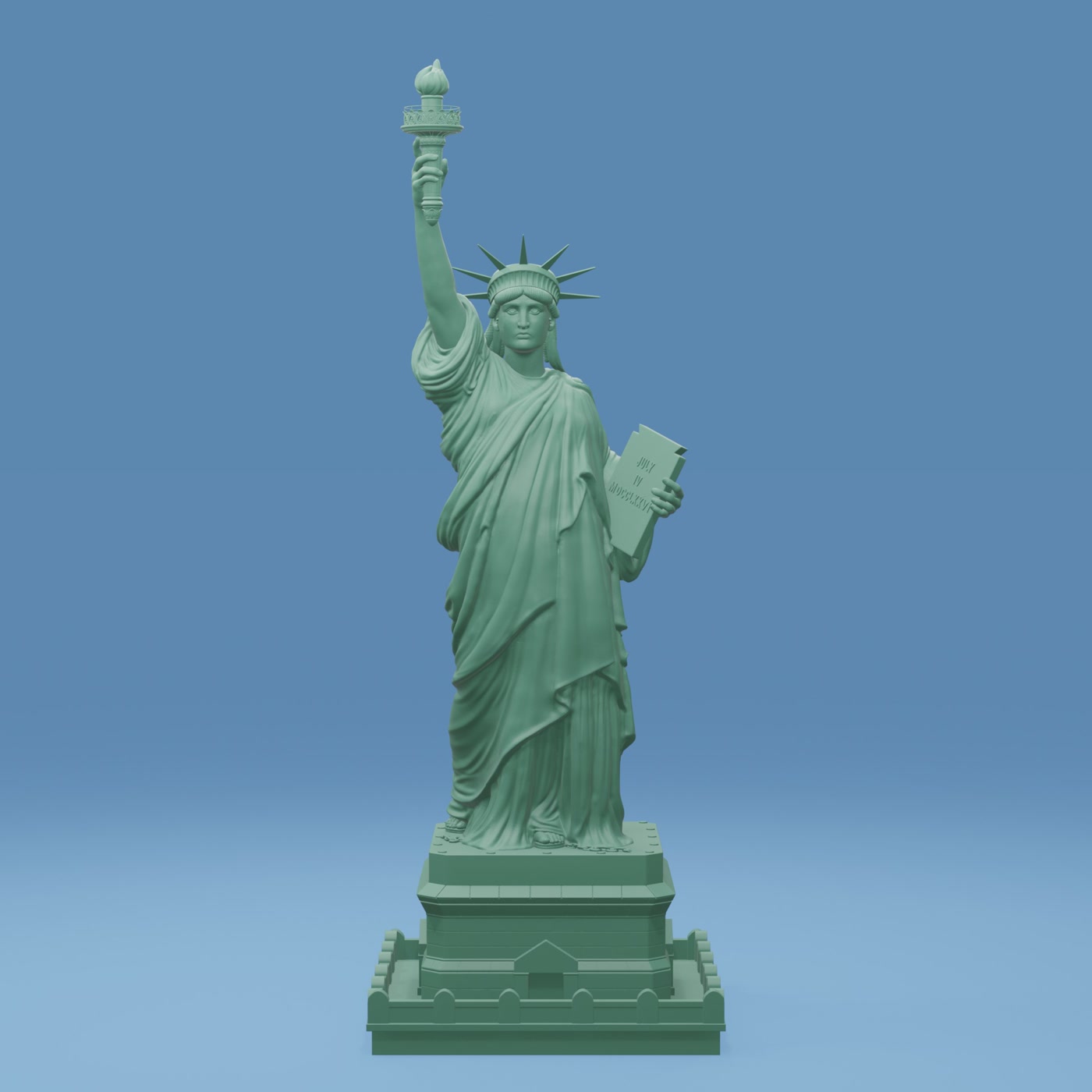
No reading required. Import a plain 3D file and get a finished, studio-quality image.
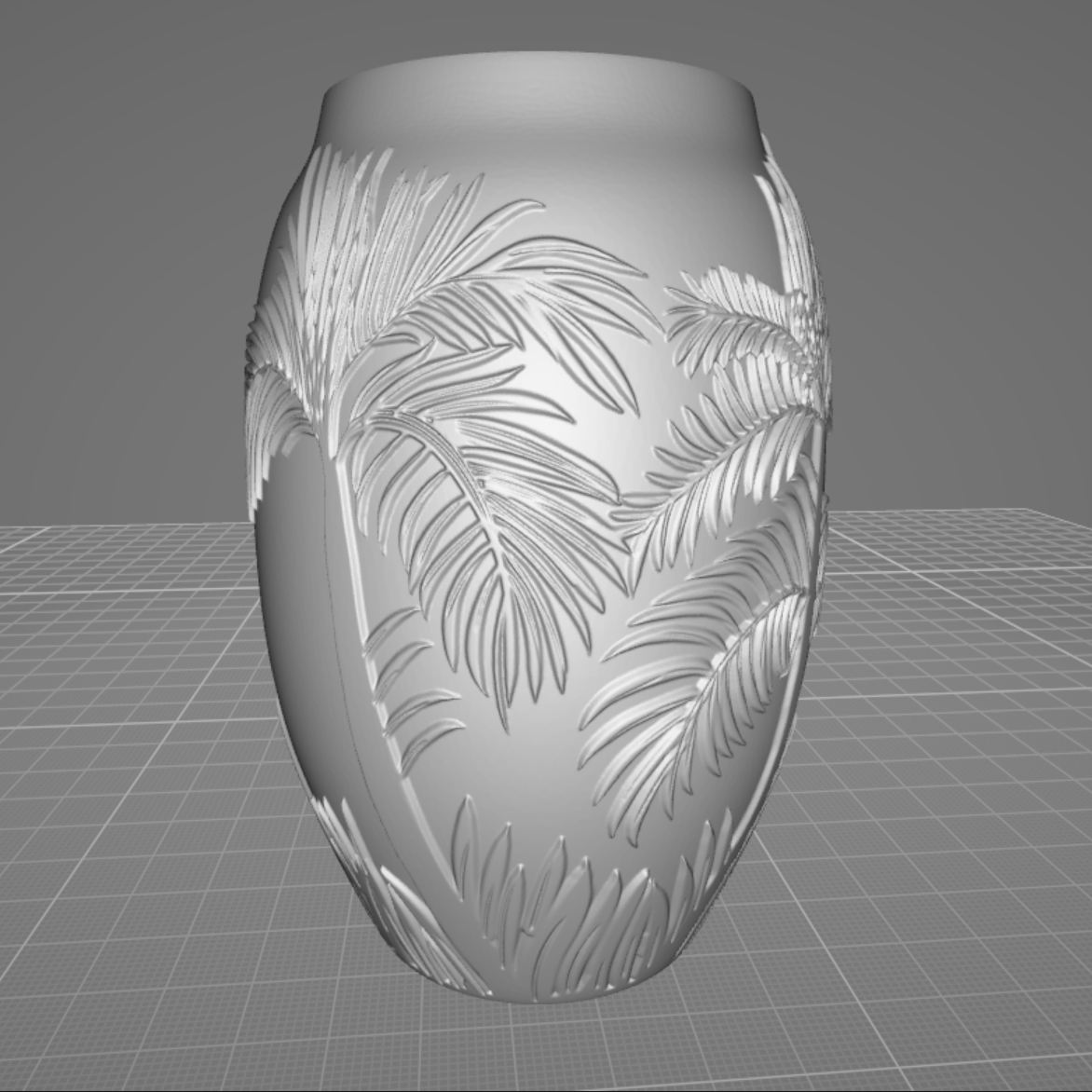
Raw 3D model
→
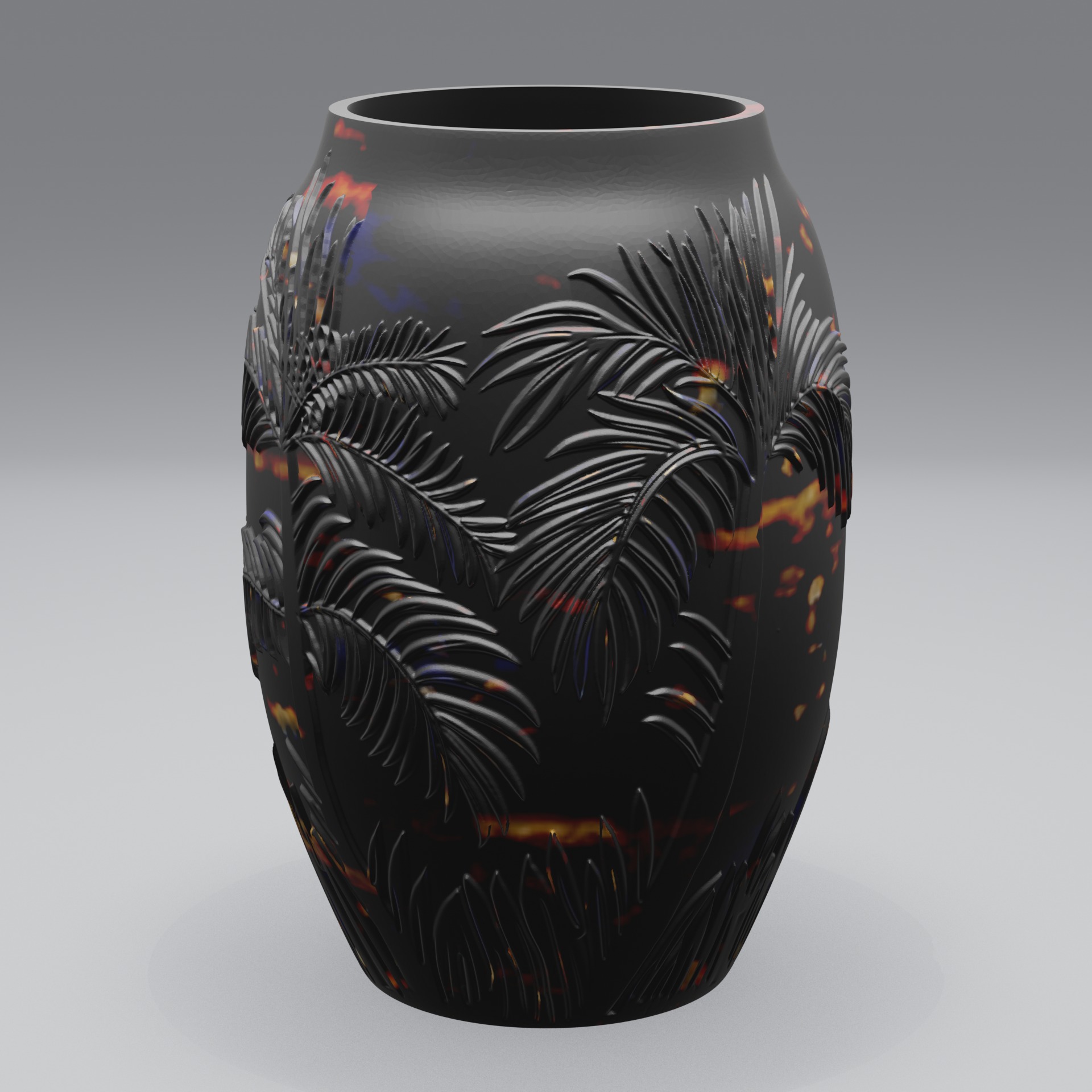
Finished render
Why Adaptive Render Studio
Professional results, without the complexity
Everything you need to render product visuals, nothing you don't.
No 3D skills required
Works offline
Built for product visuals
Start free
Simple workflow
Create professional renders in 3 steps
The quick render preset sets up lighting, cameras and materials for you. Want more control? Adjust them yourself with simple sliders and presets.
1
Import your 3D model
Drop in an STL, OBJ, GLB or GLTF file, one model or a whole batch.
2
Choose a preset
Pick lighting, materials, camera and output: product photos or a 360° video.
3
Click Render
Get finished product images or a 360° turntable video, ready to upload.
Who it's for
Built for people who sell and show 3D models
If you have a 3D file and need great-looking images of it, this is for you.
3D printing
Create professional renders of your 3D printed models before production.
Online stores
Product images for Shopify, Etsy, Amazon and other marketplaces.
3D model creators
Professional previews for STL, OBJ, GLB and GLTF models.
Product & jewelry design
Studio lighting and materials, tuned to your product.
Presentations & catalogs
Add clean 3D visuals to pitches, catalogs and manuals.
Portfolios
Consistent, professional renders across a whole catalog.
Features
Everything you need for professional 3D rendering
One built-in engine, every tool you need to produce clean product visuals.
Rendering presets
Choose a preset for product photos or 360° turntable videos and start rendering in seconds.
360° product videos
Smooth rotating videos that show your model from every side.
74 material presets
A full material library across 7 categories: metals, plastics, resins and more.
Studio lighting
Create and save your own lighting presets. Build a lighting setup once and reuse it across your projects and renders.
Multiple cameras
Create and save your own camera presets. Save your favorite camera setups and reuse them for consistent product renders.
HDRI environments
Place your model in real-world lighting for photoreal results (Pro).
Custom watermarks
Text or image, any position and pattern. Paid editions have no fixed watermark.
Batch processing
Queue many models and render a whole catalog in one go.
Save & load projects
Store full settings in a .ars project and reuse them any time.
3D Model Converter
Convert 3D models between supported formats and save the converted model as a new file.
Example conversions:
STL → GLBOBJ → GLBFBX → GLB
Export GLB with material colors
Apply a material and export your model as GLB with its material color saved.
3D Model Resizer
Change the size or scale of your 3D model and save the resized model as a new file.
Adjust model dimensions for different projects, workflows and 3D printing needs.
Quick Preview
Preview your setup instantly before a full render.
Check your settings and composition without waiting for a full render.
See the output
Example renders
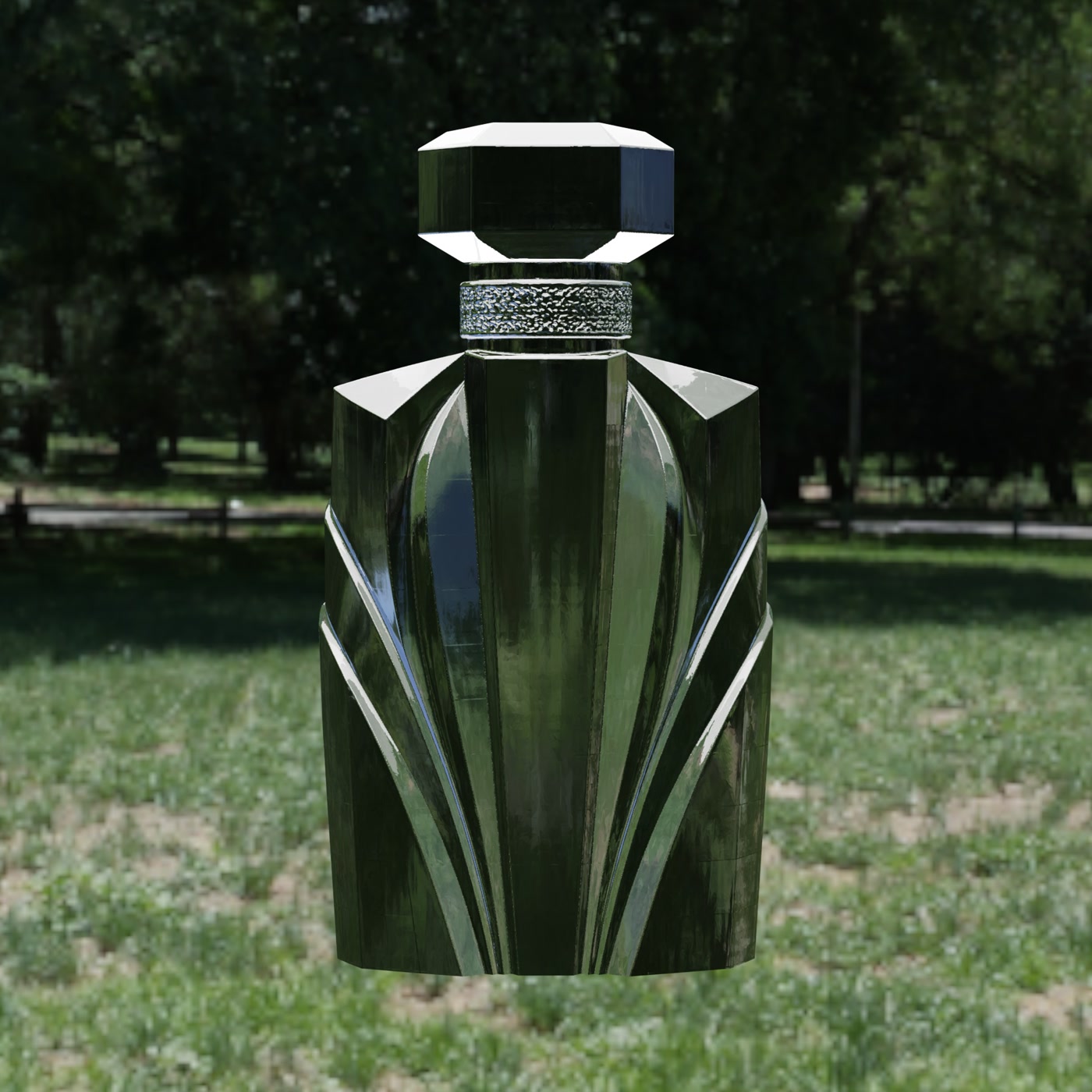
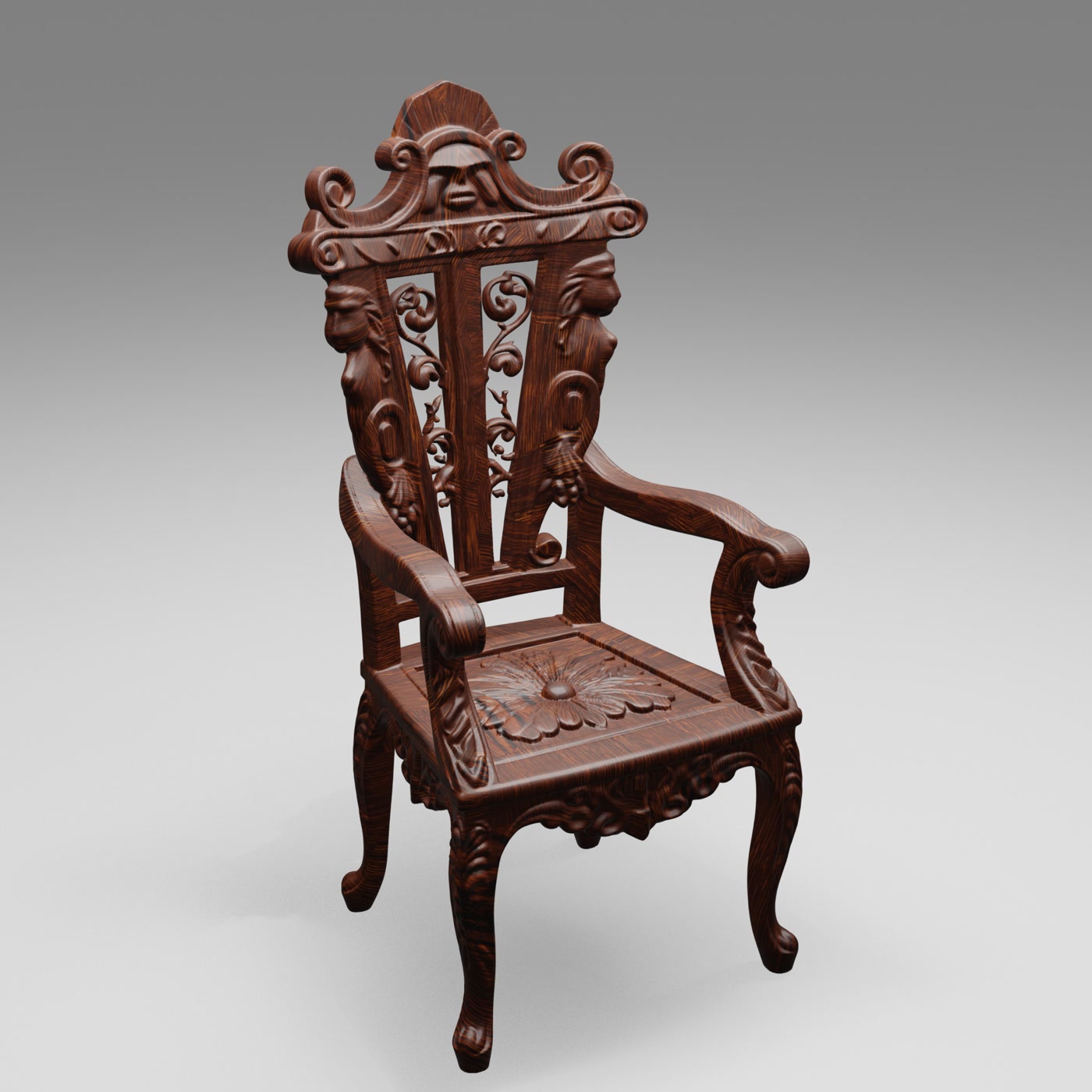
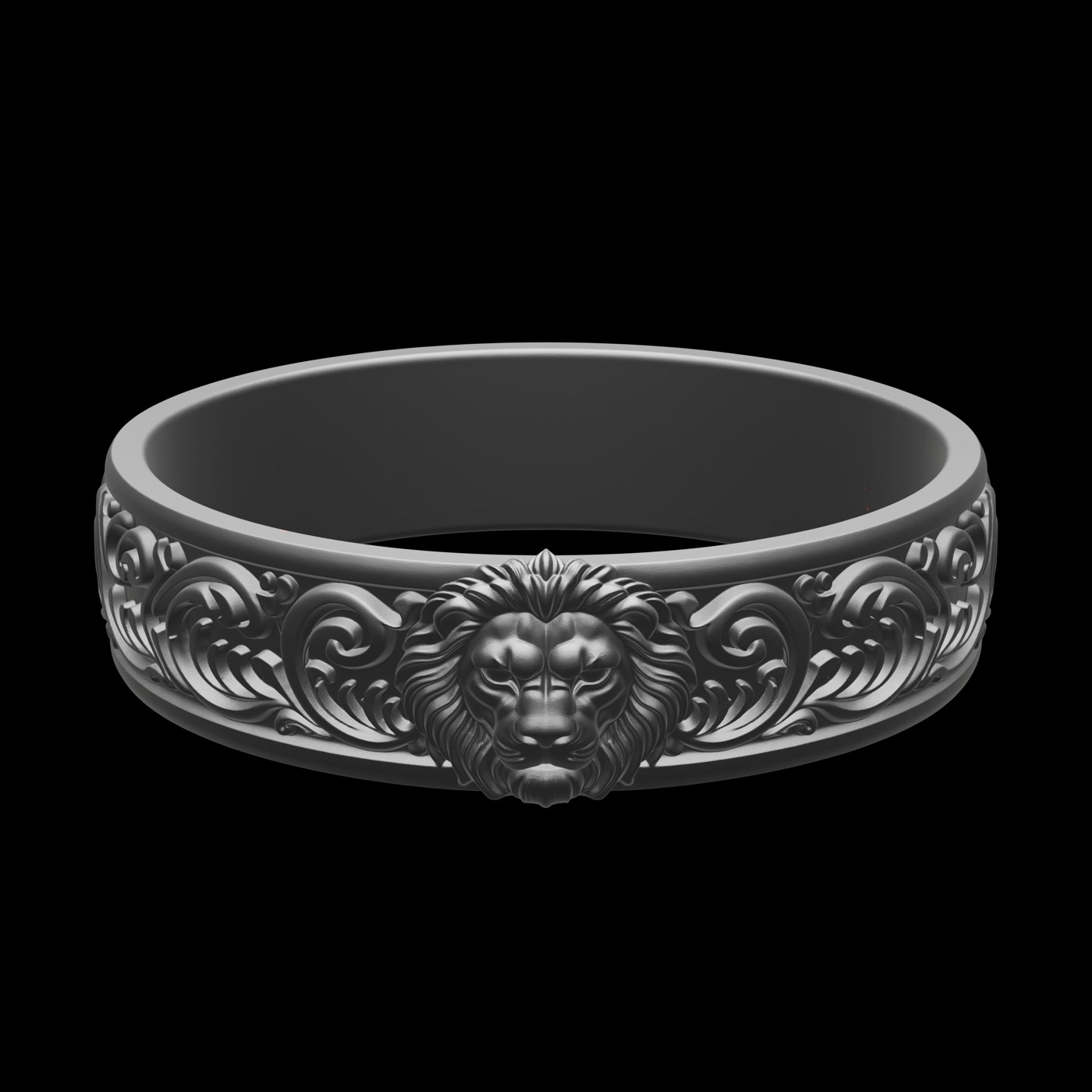
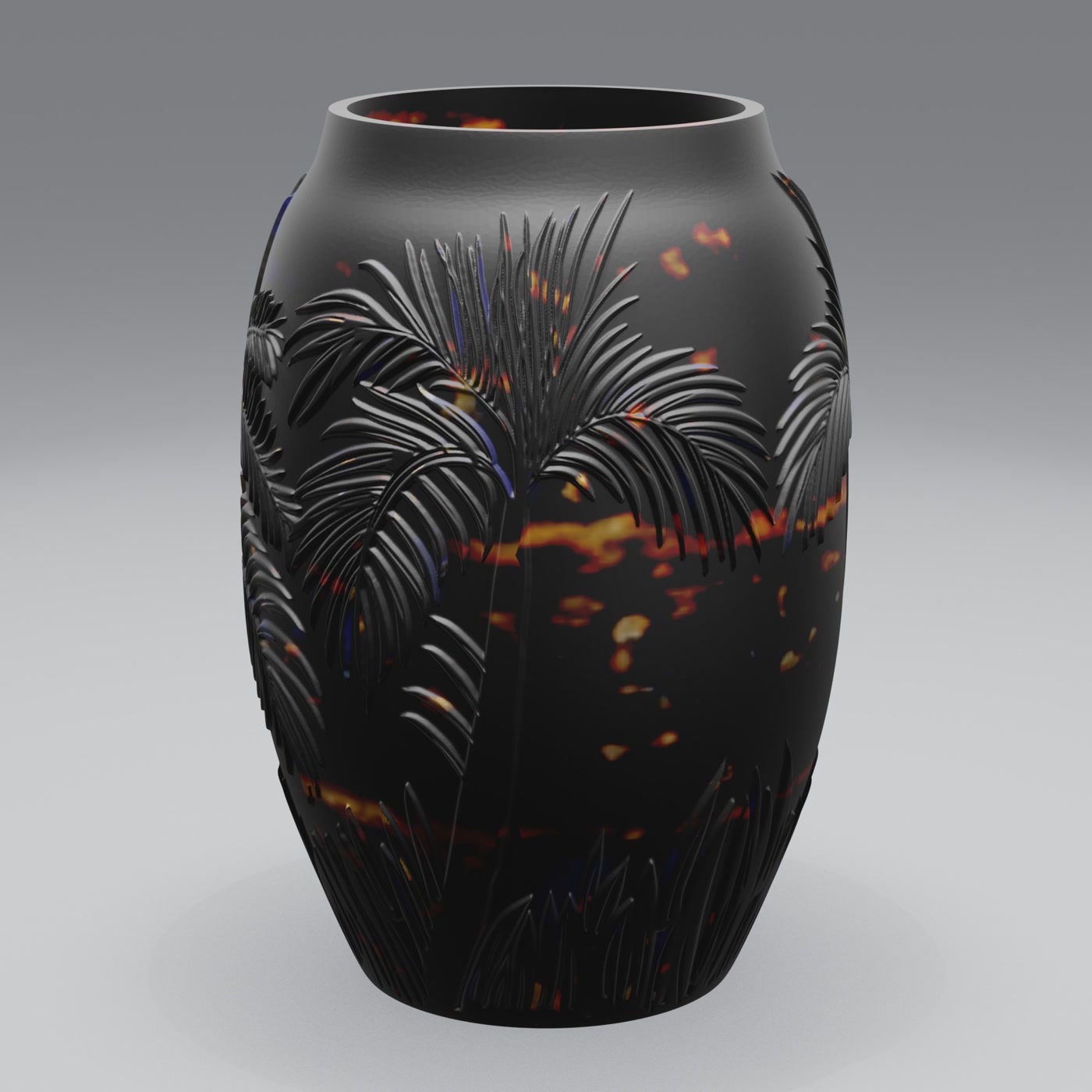
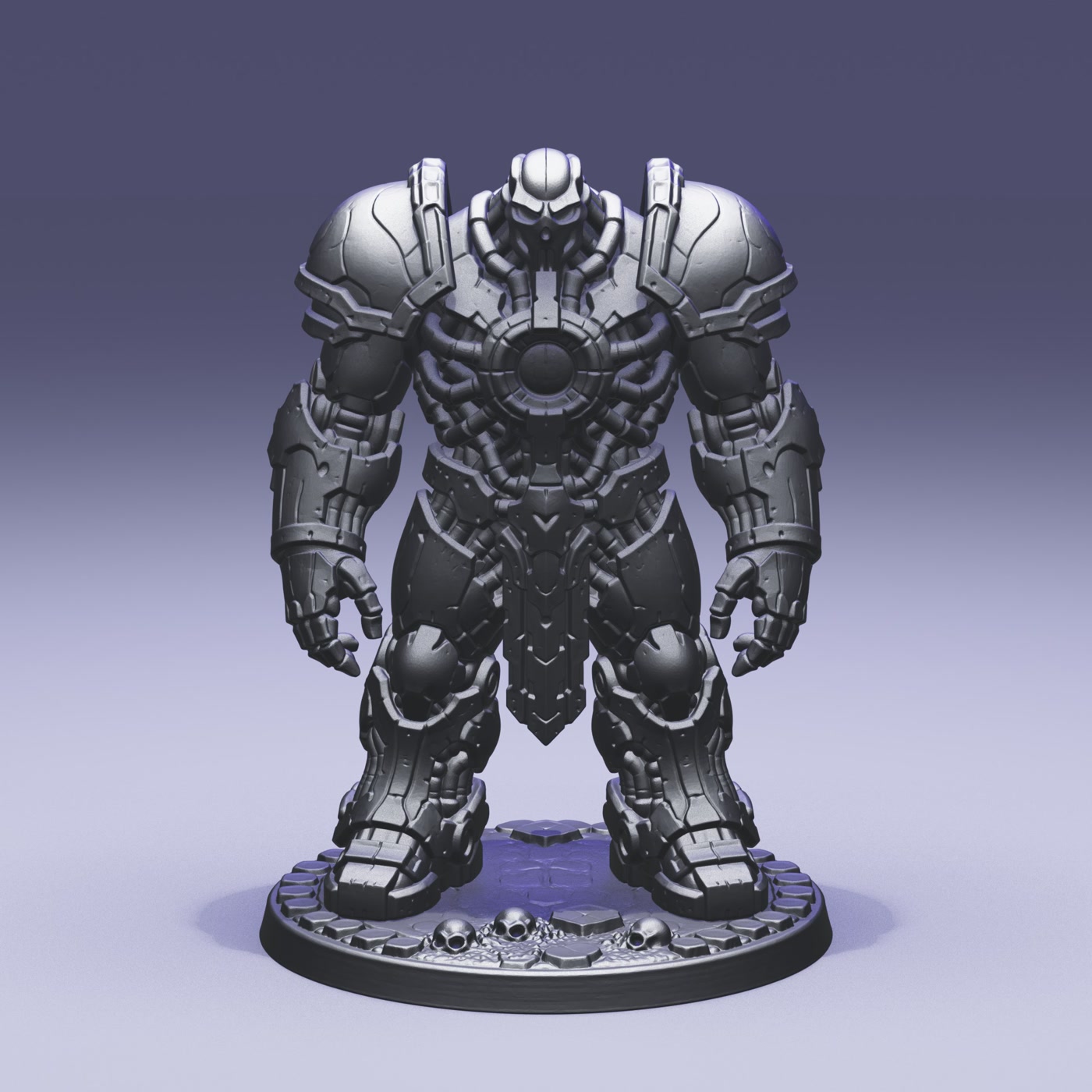
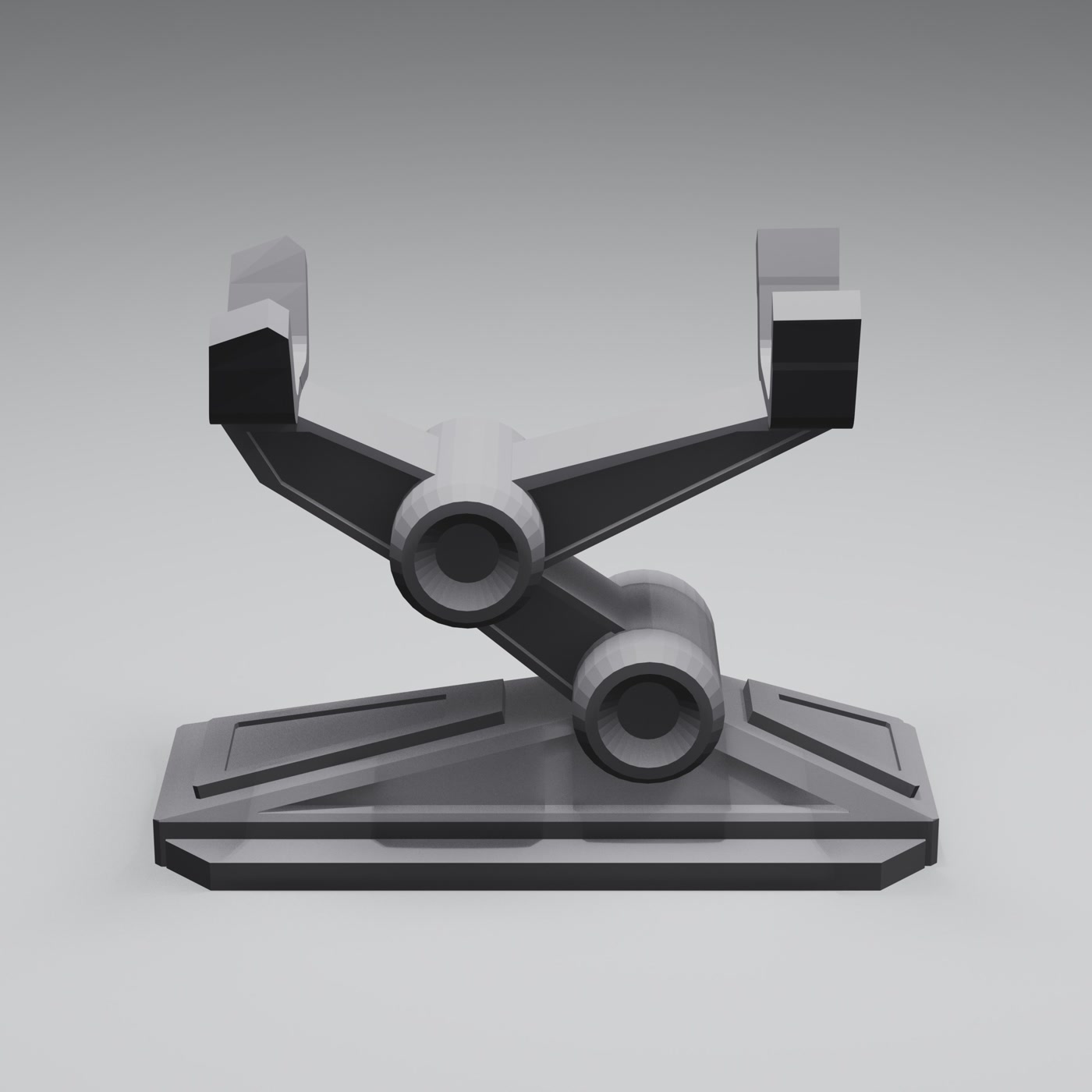
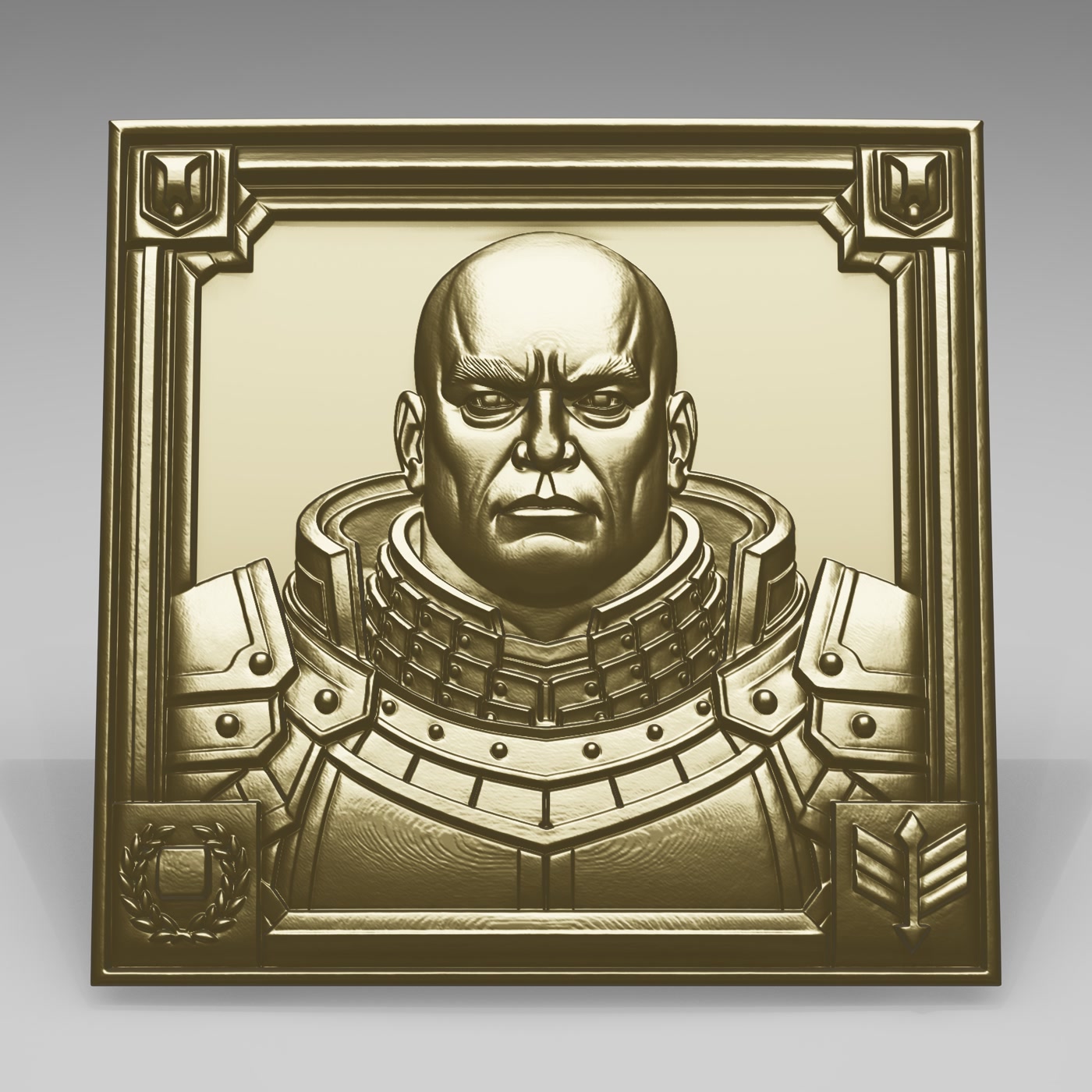
Real results the app produces from plain 3D files. Your own renders look this clean out of the box.
Watch it work
See Adaptive Render Studio in action
Watch how to import 3D models, adjust materials, lighting and cameras, and create professional product renders.
Advanced 3D rendering settings
Materials, background, floor, HDRI and model rotation.
Studio lighting
Mood templates and light presets. Set the look in seconds.
3D rendering cameras
Main and detail cameras for close-up shots from any angle.
Custom watermarks
Text or image watermarks, any position and pattern.
Supported formats
Render STL, OBJ, GLB & GLTF models
Import the most common 3D file formats and turn them into product visuals.
STL
Render STL files into professional product images. Ideal for 3D printing.
OBJ
Import OBJ models and create studio-quality renders with materials.
GLB / GLTF
Render modern 3D models with built-in materials and lighting.
Before you download
System requirements
Adaptive Render Studio runs on Windows with a graphics card that supports OpenGL 4.3.
Windows
Graphics card with OpenGL 4.3 support
8 GB RAM minimum (16 GB recommended)
Screen at least 1600×900 usable pixels
Not sure if your PC is ready? Install the free edition. On the first run it scans your computer, checks your graphics driver and recommends the right settings for your hardware.
Editions
Choose the right 3D rendering plan for you
Free for trying Adaptive Render Studio. Basic for watermark-free product renders. Pro for advanced lighting, HDRI, cameras and custom rendering.
Free
Everything you need to try it and render real images.
After payment through our secure Stripe checkout, your license key is emailed to you automatically. Activate it in the app. Done.
Side by side
Compare editions
A quick look at what each edition unlocks.
Feature
Free
Basic
Pro
Material library (74)
✓
✓
✓
Presets: preview, photos, 360° video
✓
✓
✓
Save & load projects (.ars)
✓
✓
✓
Light direction & intensity
✓
✓
✓
No fixed watermark
-
✓
✓
Quality profiles (Eco / Balanced)
-
✓
✓
High quality & Custom profiles
-
-
✓
Colored lights
-
-
✓
Extra custom lights
-
-
up to 3
Detail cameras
0
1
up to 5
Custom watermarks
0
1
up to 3
HDRI environments
-
-
✓
Render history
3
10
50
Good to know
Frequently asked questions
Do I need to know 3D software?
No. Import your model, pick a preset and click Render. The quick render preset sets everything up automatically, so you get a clean result with zero setup. When you want more control, you can adjust lighting, cameras and materials yourself with simple sliders and presets.
Which file formats are supported?
STL, OBJ, GLB and GLTF.
What are the system requirements?
Windows with a graphics card that supports OpenGL 4.3, 8 GB RAM minimum (16 GB recommended), and a screen of at least 1600×900 usable pixels. On the first run the app scans your computer and recommends the right settings.
Does it work offline?
Yes. After you activate your key once, the app verifies the license signature offline and keeps working without an internet connection.
How does licensing work?
One key = one computer. After buying through our secure Stripe checkout, your key is emailed to you automatically. Paste it into the app to unlock your edition instantly, and it keeps working offline. If you get a new computer, contact us at info@adaptiverender.com and we'll help you move your license.
How do I get my key after buying?
Payment goes through Stripe's secure checkout. As soon as it completes, your license key is emailed to you automatically, then you activate it in the app.
Can I convert and resize 3D models?
Yes. Adaptive Render Studio can convert supported 3D model formats and change model dimensions. Converted and resized models can be saved as new files. When exporting to GLB, applied material colors are saved with the model.
Can I try before buying?
Yes. The Free edition has no time limit. It renders real images (with a fixed watermark) so you can see the quality before upgrading.
Start rendering your 3D models
Download the Free edition and render your first model in minutes, or unlock everything with Basic or Pro.
We use cookies to understand how visitors use our site and to improve it. Analytics cookies (Google Analytics, Microsoft Clarity) only run if you accept. See our Privacy Policy.