3D printing product rendering – create professional images of your 3D models
Show your 3D prints before you print them. Adaptive Render Studio turns your printable STL, OBJ, GLB and GLTF models into clean product images and 360° videos, perfect for listings on Etsy, MyMiniFactory, Cults3D and your own shop.
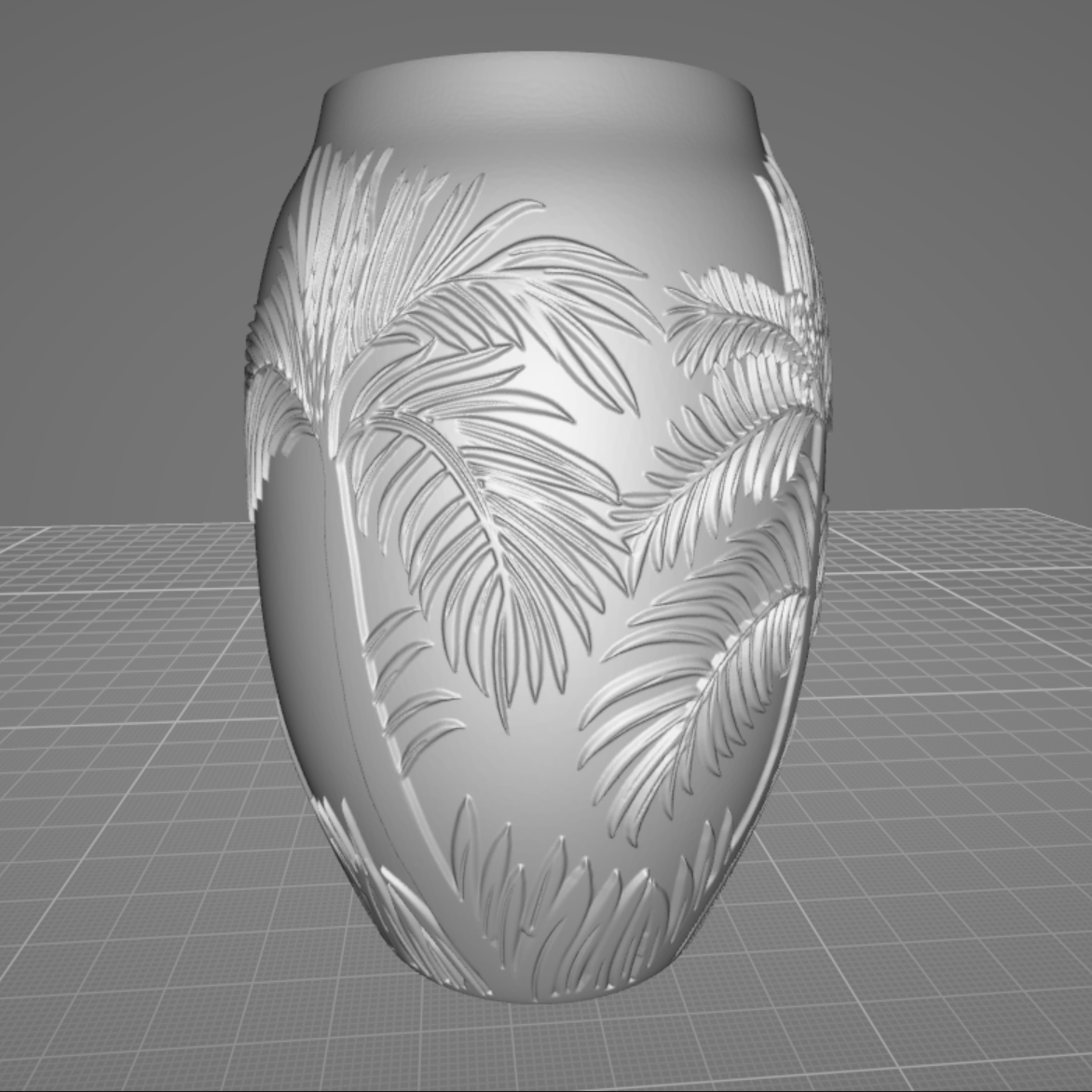
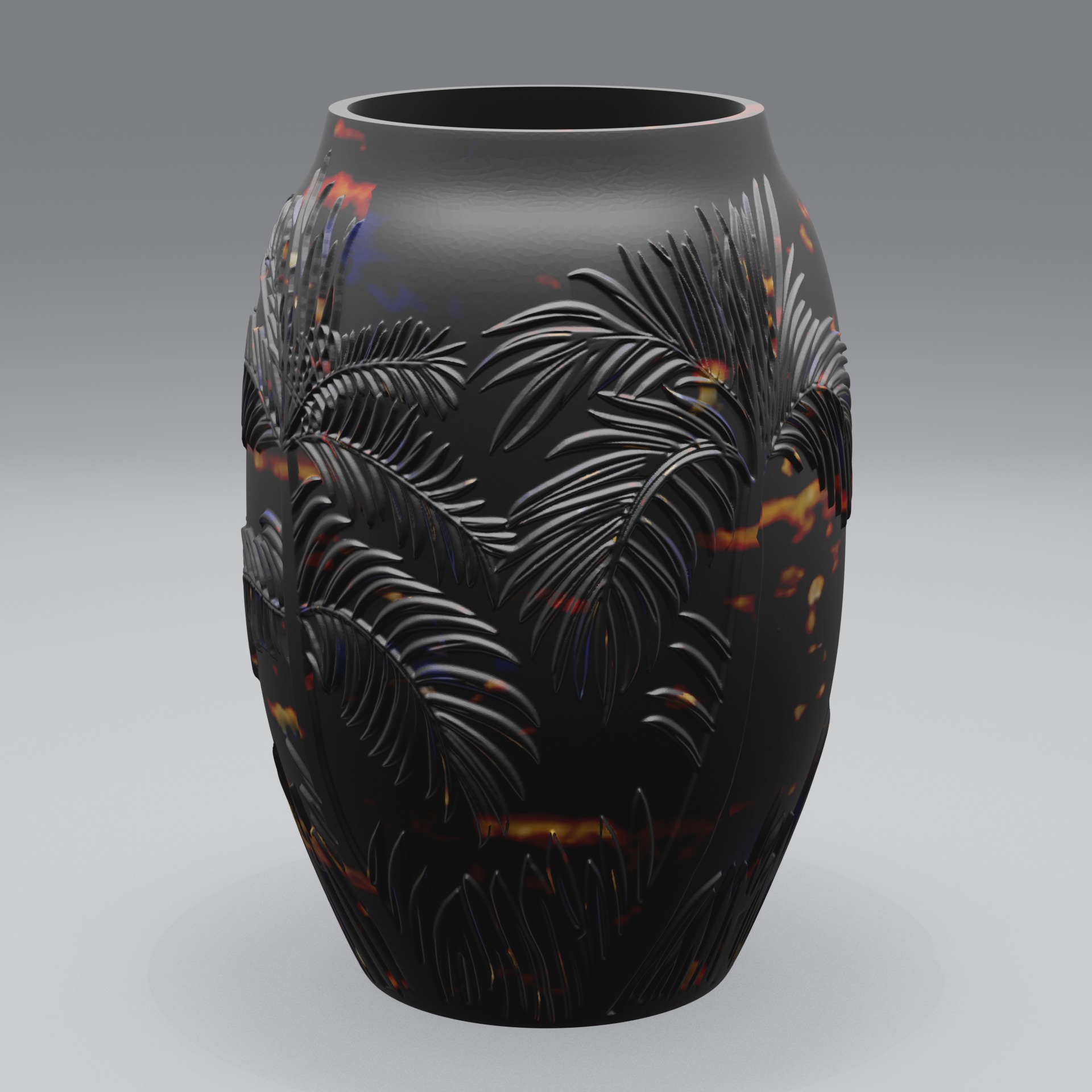
Show your 3D prints before you print them
Photographing a physical print takes time, good lighting and a finished object. But you can render your model into a professional image the moment the file is ready, long before you fire up the printer. That means you can list a design, test what sells, and build a whole catalog without printing every single item first.
Adaptive Render Studio loads your printable models directly and adds studio lighting, materials and a camera automatically, so your listing images look clean and consistent.
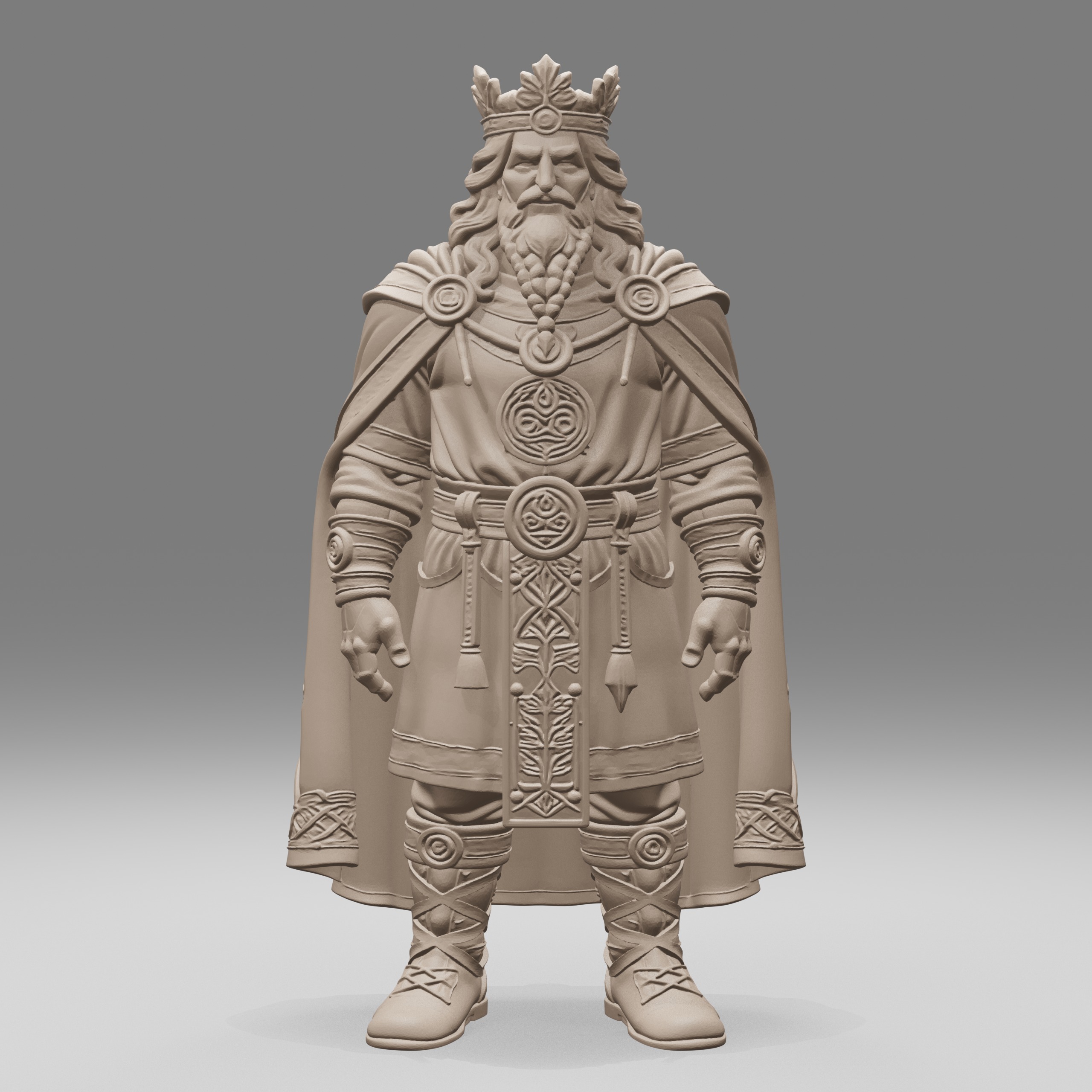
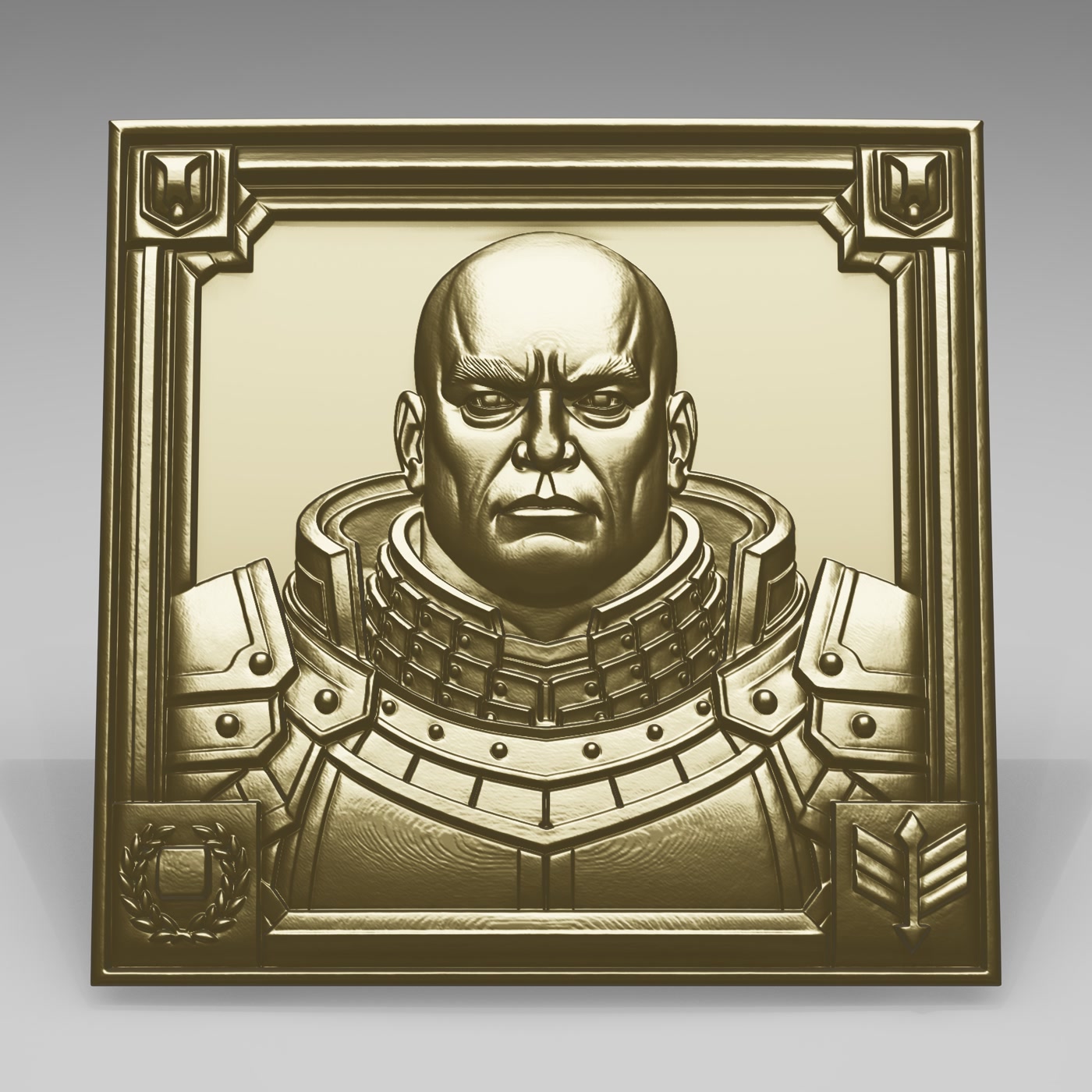
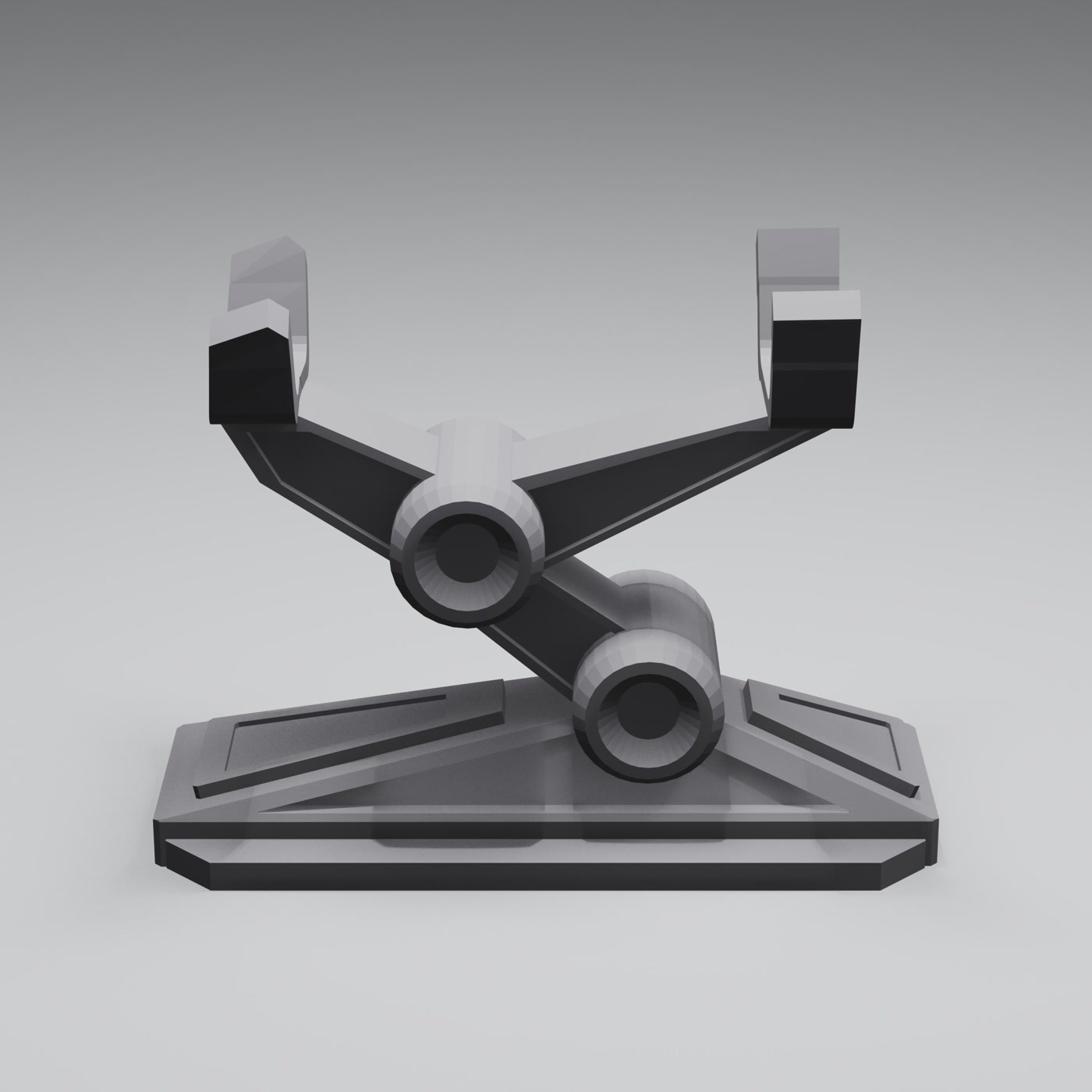
Built for 3D printing sellers and makers
- Render before you print, so you can list and test designs without printing every one
- 74 material presets to show how a print could look in different finishes
- 360° turntable videos that show the whole model, exported as MP4
- Batch rendering to build a full catalog of consistent images fast
- Watermarks to protect your showcase images (paid editions)
- Free edition with no time limit to try it on your own models
Great for
- Etsy and Shopify sellers of 3D-printed products
- Designers listing printable files on MyMiniFactory, Cults3D and CGTrader
- Miniature and figurine makers
- Anyone who wants clean previews of a printable model
Frequently asked questions
Can I render my model before printing it?
Yes. You render directly from the 3D file, so you can create listing images and videos before you print, or without printing at all.
Which file formats does it support?
STL, OBJ, GLB and GLTF, the formats most commonly used in 3D printing.
Can I show different material finishes?
Yes. With 74 material presets you can show how the same print could look in different metals, plastics or resins.
Do I need 3D experience?
No. The quick render preset sets up lighting, cameras and materials for you. Import, pick a preset, click Render.
Try it on your printable models
The Free edition has no time limit and renders real images, so you can see the quality on your own prints before upgrading.
Related: