Create 360° product videos from 3D models
Adaptive Render Studio turns your STL, OBJ, GLB and GLTF models into smooth 360° turntable product videos on Windows. Pick the turntable preset, click Render, and export an MP4 ready for your store or social media.
Show your product from every angle
A single photo shows one side of a product. A 360° turntable video shows the whole thing (every angle, every detail), which builds trust and helps people buy. Adaptive Render Studio creates these rotating videos automatically from your 3D model, so you don't need a camera, a turntable, or video editing skills.
The app handles the lighting, camera path and rotation for you when you use the turntable preset. You just choose the model and click Render.
How to make a 360° product video in 3 steps
- Import your 3D model. Drag an STL, OBJ, GLB or GLTF file into the app.
- Choose the 360° turntable preset. Set the resolution and length, or keep the defaults. Adjust lighting and materials if you want.
- Click Render and export. The app produces a smooth rotating video and saves it as an MP4, ready to upload.
Where 360° videos help most
- Product pages on Shopify, Etsy and Amazon that support video
- Instagram, TikTok and social media posts
- 3D-printable model listings on MyMiniFactory, Cults3D and CGTrader
- Portfolios and pitch decks
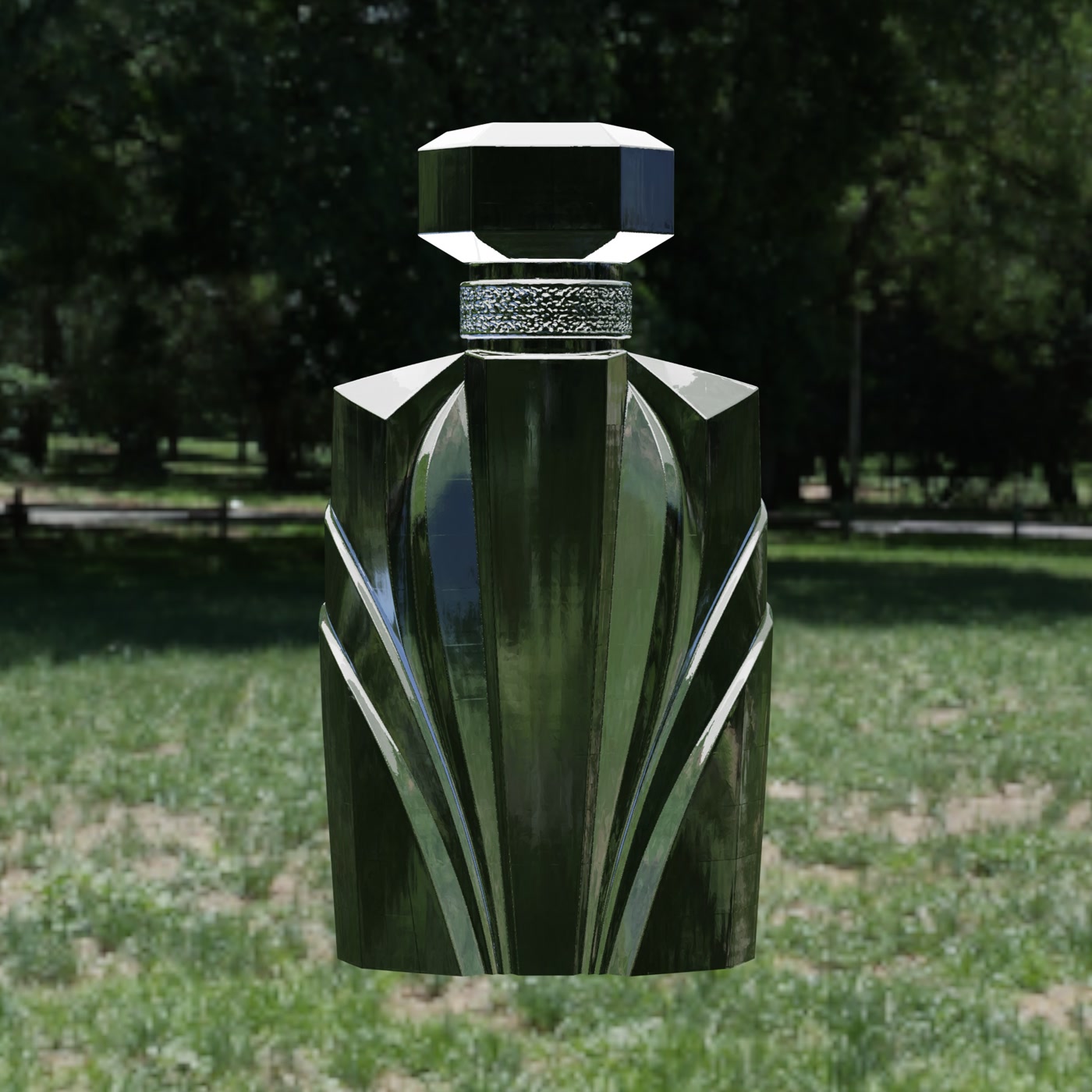
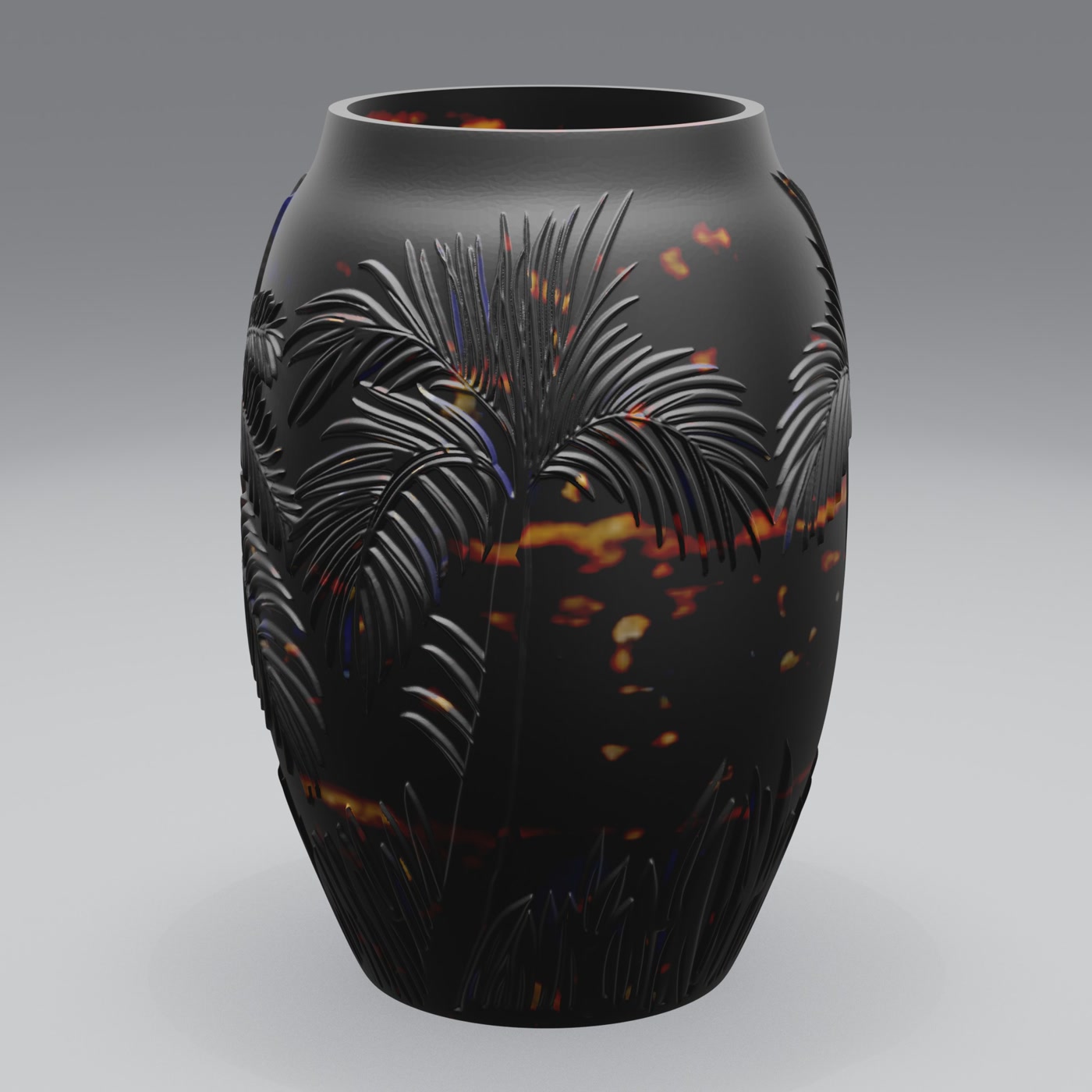
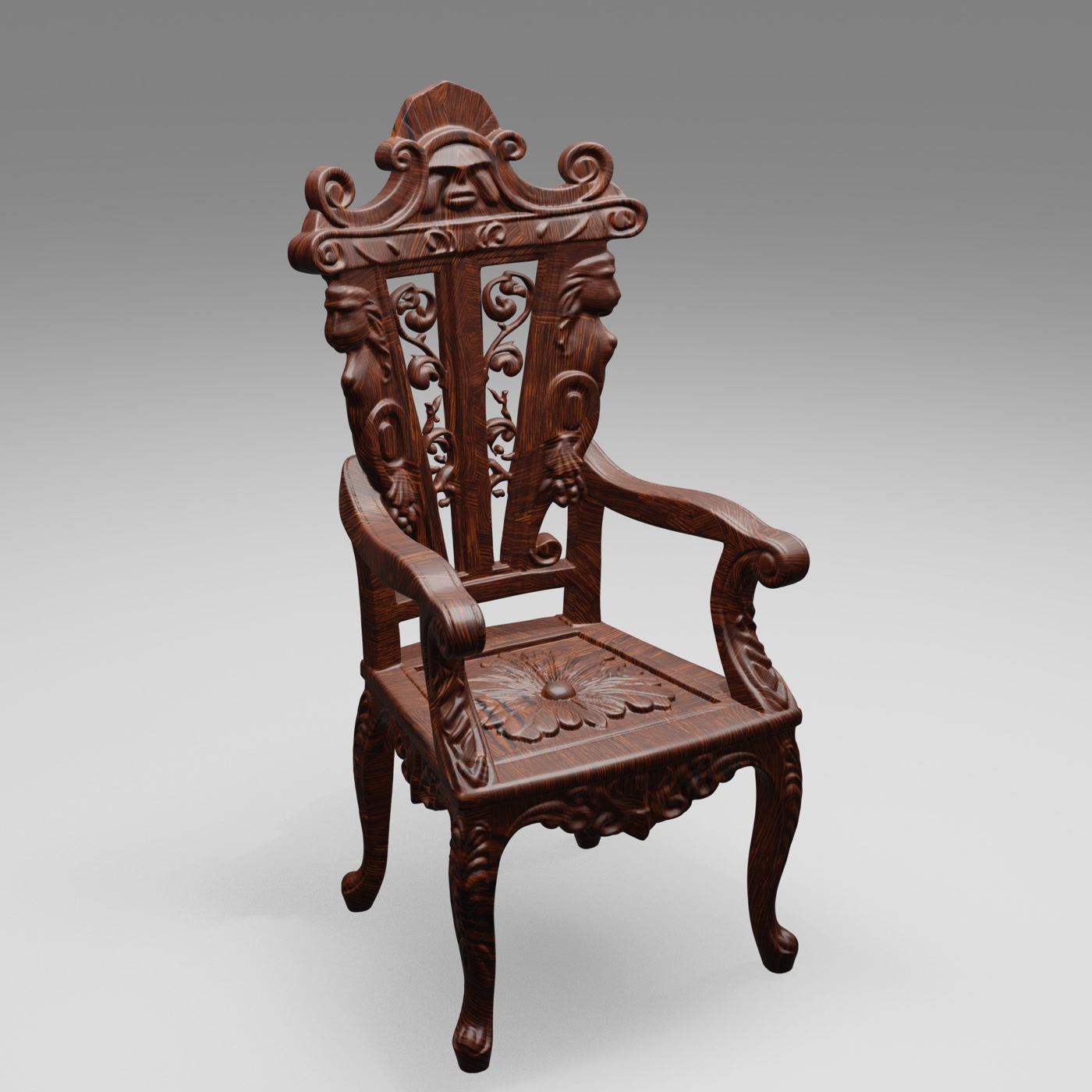
Turntable videos of real 3D models
Here are still frames from renders made in Adaptive Render Studio. The same models can be exported as rotating 360° videos.
Why use Adaptive Render Studio for 360° videos
- Automatic turntable with no manual camera animation needed
- MP4 export that plays everywhere
- 74 material presets and studio lighting for a polished look
- Batch rendering to produce videos for a whole catalog
- Free edition with no time limit to try it on your own models
Frequently asked questions
What format are the 360° videos exported in?
Videos are exported as MP4, which plays on virtually every device, browser and social platform.
Do I need a camera or a real turntable?
No. The video is generated entirely from your 3D model. There's no filming. The app rotates the model and renders each frame for you.
Which file formats can I turn into a 360° video?
STL, OBJ, GLB and GLTF.
Can I make videos for many products at once?
Yes. Batch rendering lets you queue multiple models and render their videos one after another.
Try it on your own models
The Free edition has no time limit and renders real output, so you can see the quality before upgrading.
Related: