Home › Blog › Product images for Etsy from 3D models
How to create product images for Etsy from 3D models
On Etsy, your photos do the selling. But if you sell 3D-printed products or printable files, taking good photos means printing every item, setting up lighting, and shooting each one. There's a faster way: render clean product images straight from your 3D model, with no camera and no printing required.
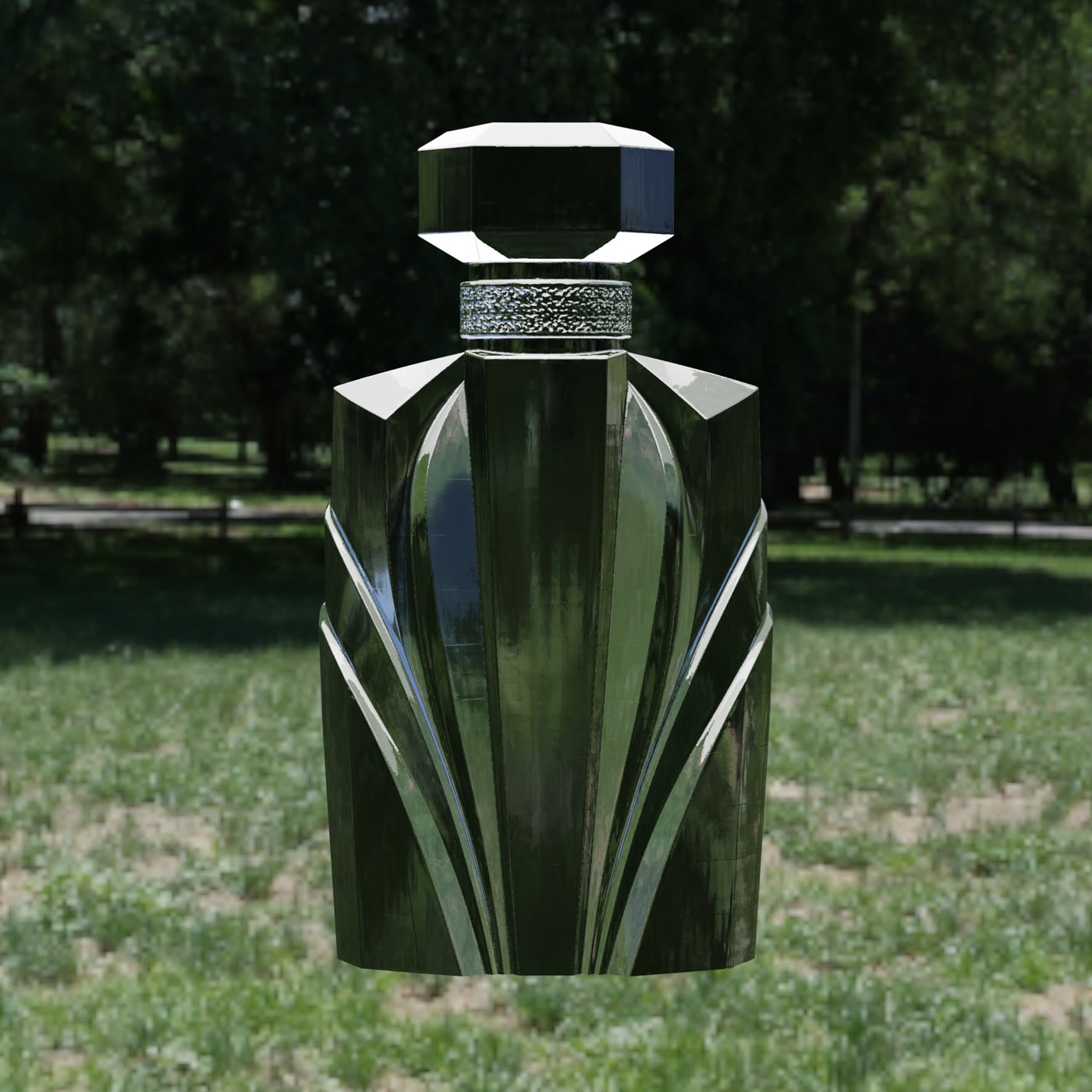
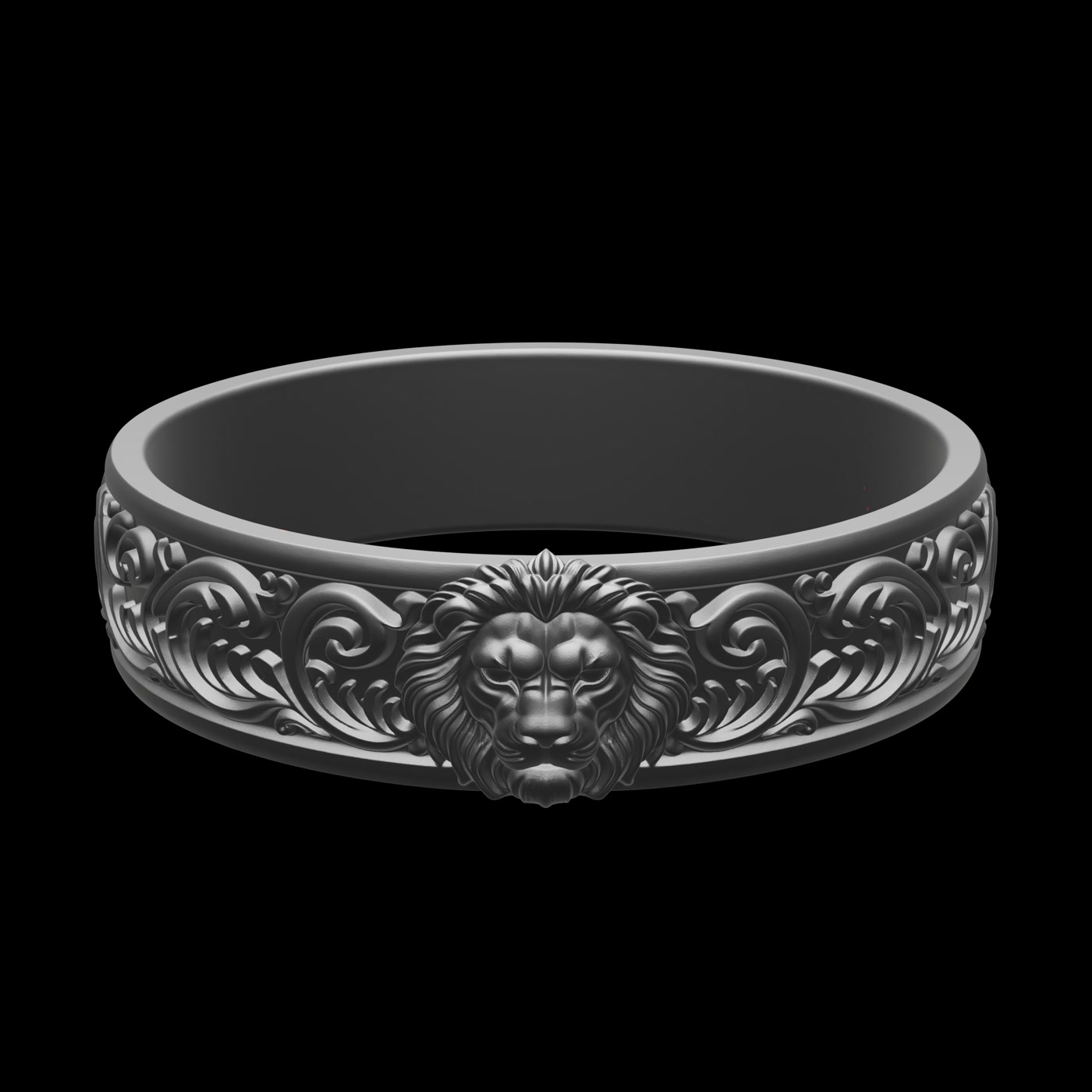
Why rendered images work for Etsy
Clear, consistent, high-quality images help make Etsy listings look more professional. Rendering from your 3D model gives you exactly that: a clean background, even lighting, and the same look across every listing. You can also create images for a design before it's printed, which means you can list and test products faster.
What makes a good Etsy product image
- Square format (1:1). Etsy displays product images as squares, so render in 1:1 to avoid awkward cropping.
- Clean background. A plain white or subtle background keeps the focus on the product.
- Good lighting. Soft, even studio lighting makes materials and detail read clearly.
- Multiple angles. Shoppers want to see the product from different sides.
- Consistency. A matching look across your shop builds trust and looks professional.
How to make Etsy images from a 3D model
Using Adaptive Render Studio on Windows, the workflow is simple:
- Import your model. Load your STL, OBJ, GLB or GLTF file into the app.
- Set a 1:1 square output. Choose the product-photos preset and a square aspect ratio so it fits Etsy's grid.
- Pick a material and background. Match the material to your real product and use a clean, consistent background.
- Render several angles. Add detail cameras for close-ups, or a 360° video to show the whole product.
- Batch the rest. If you have a whole shop of designs, use batch rendering so every listing shares the same look.
Add a 360° video to stand out
You can also use a short 360° turntable video to show more of the product. A rotating clip shows a product far better than a single photo. Adaptive Render Studio exports these as MP4, so you can upload one to your listing alongside the images. Keep it short (Etsy currently supports videos of about 5–15 seconds with no sound), and check Etsy's current listing rules before uploading.
Create your Etsy images for free
The Free edition renders real images with no time limit. Try it on your own models and see how your listings could look.
Download FreeRelated: