Render 3D models without Blender
Want professional renders of your 3D models but don't want to learn Blender or other complex 3D software? Adaptive Render Studio is a simple Windows app that turns STL, OBJ, GLB and GLTF files into clean product images and 360° videos, with no 3D experience needed.
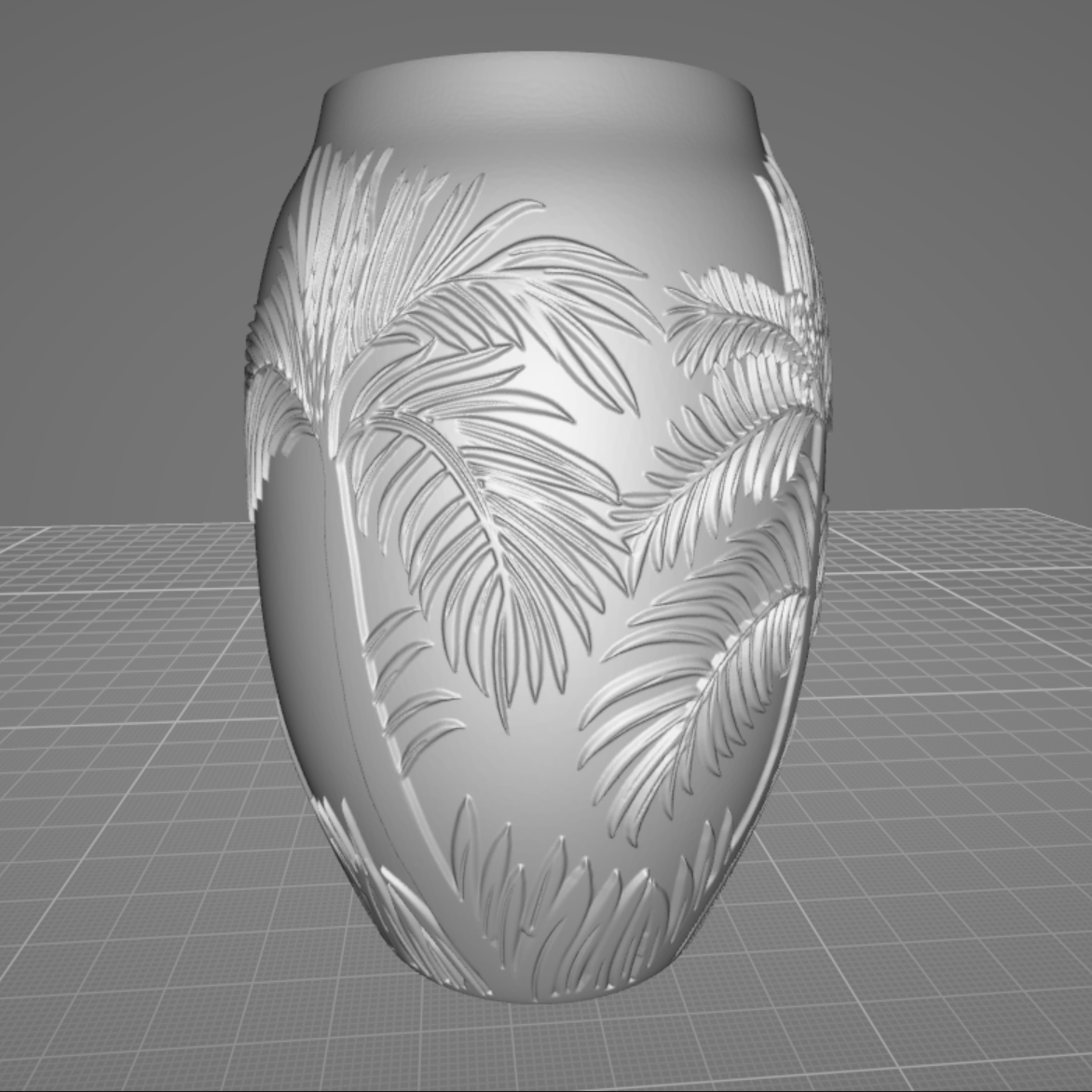
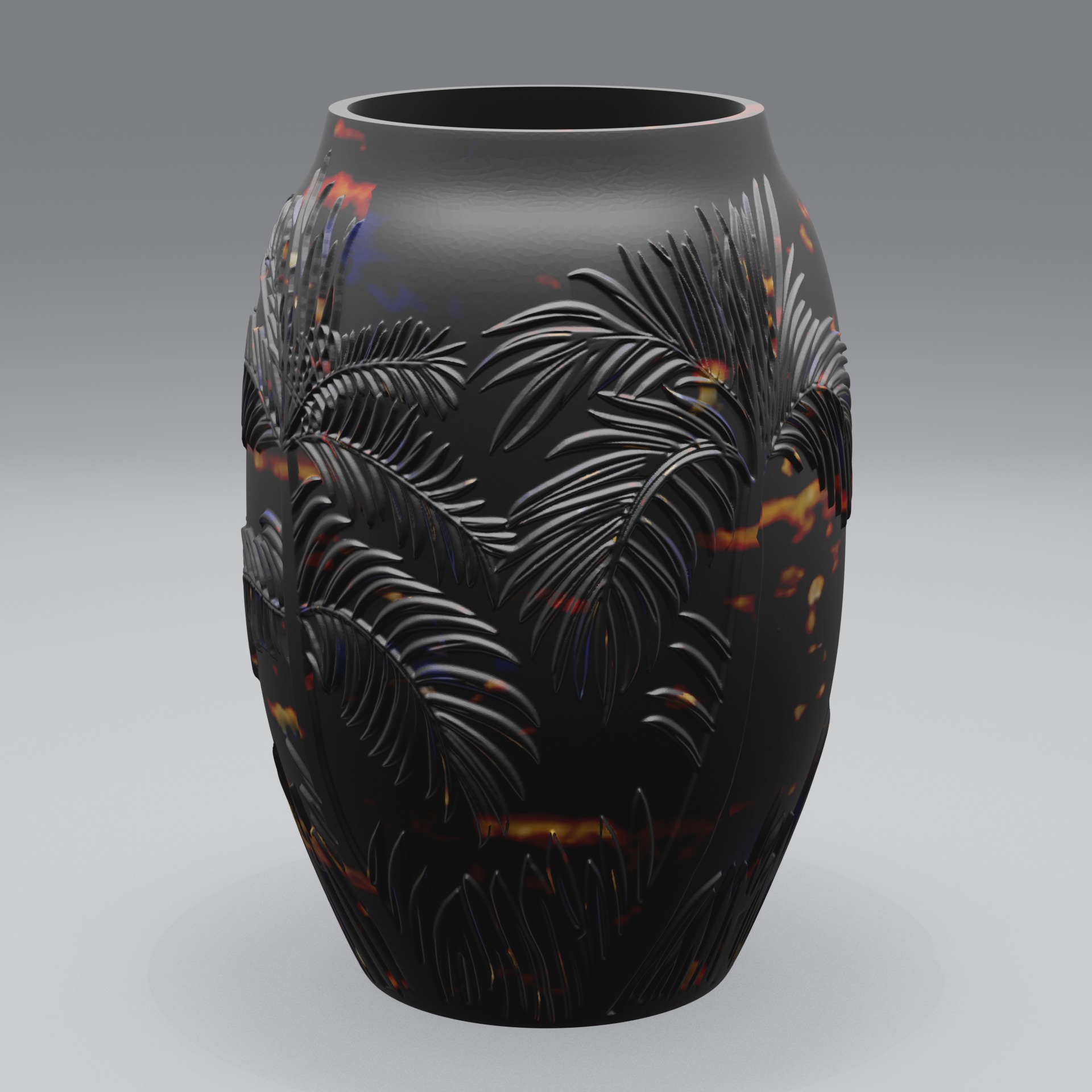
Professional renders without the learning curve
Full 3D suites like Blender are powerful, but they're built for artists. Setting up lighting, cameras, materials and render settings takes time to learn. If you just need good-looking images of a 3D model, that's a lot of overhead.
Adaptive Render Studio removes it. The quick render preset sets up lighting, cameras and materials for you automatically. You import your model, pick a preset and click Render. When you want more control, you adjust things with simple sliders and presets, not node graphs.
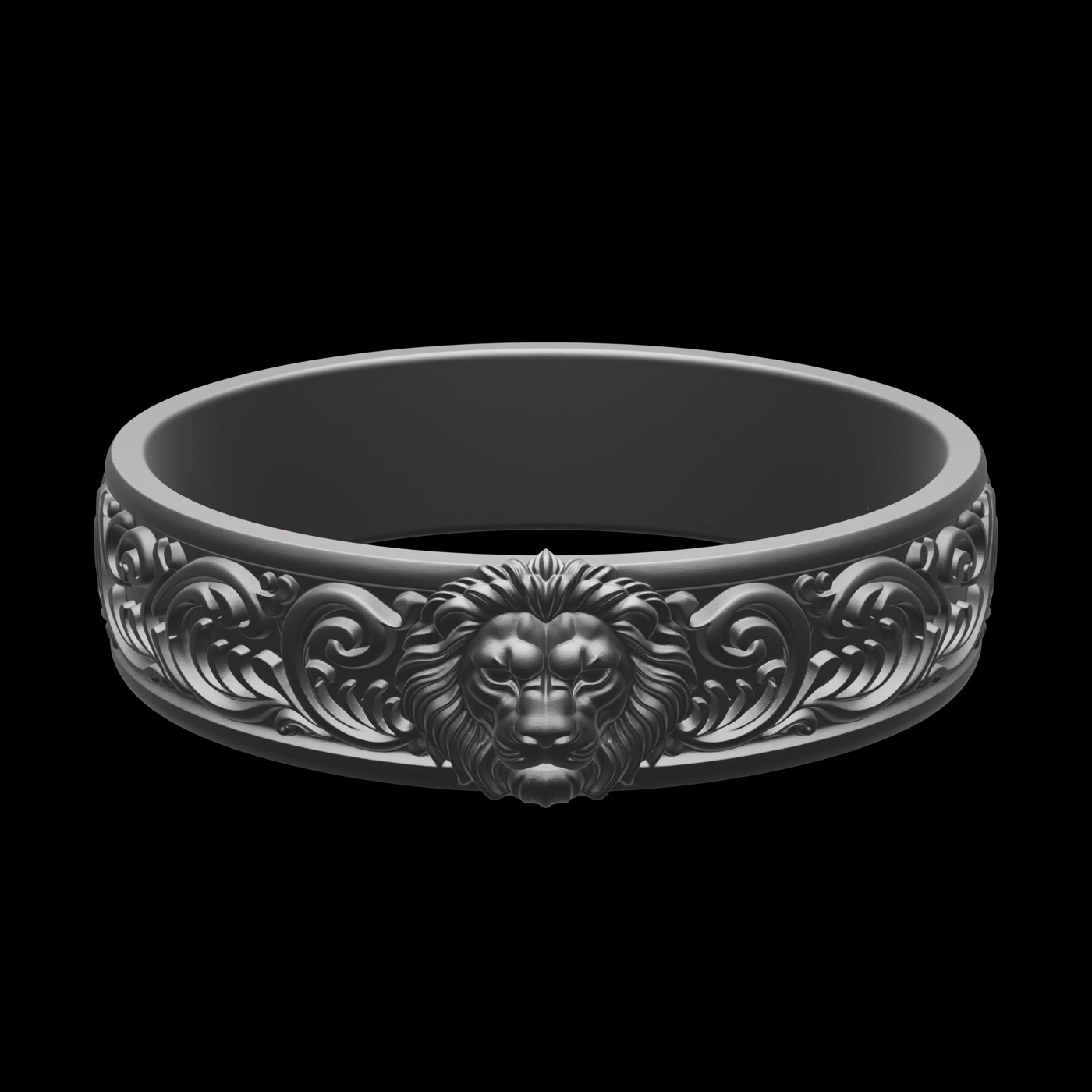
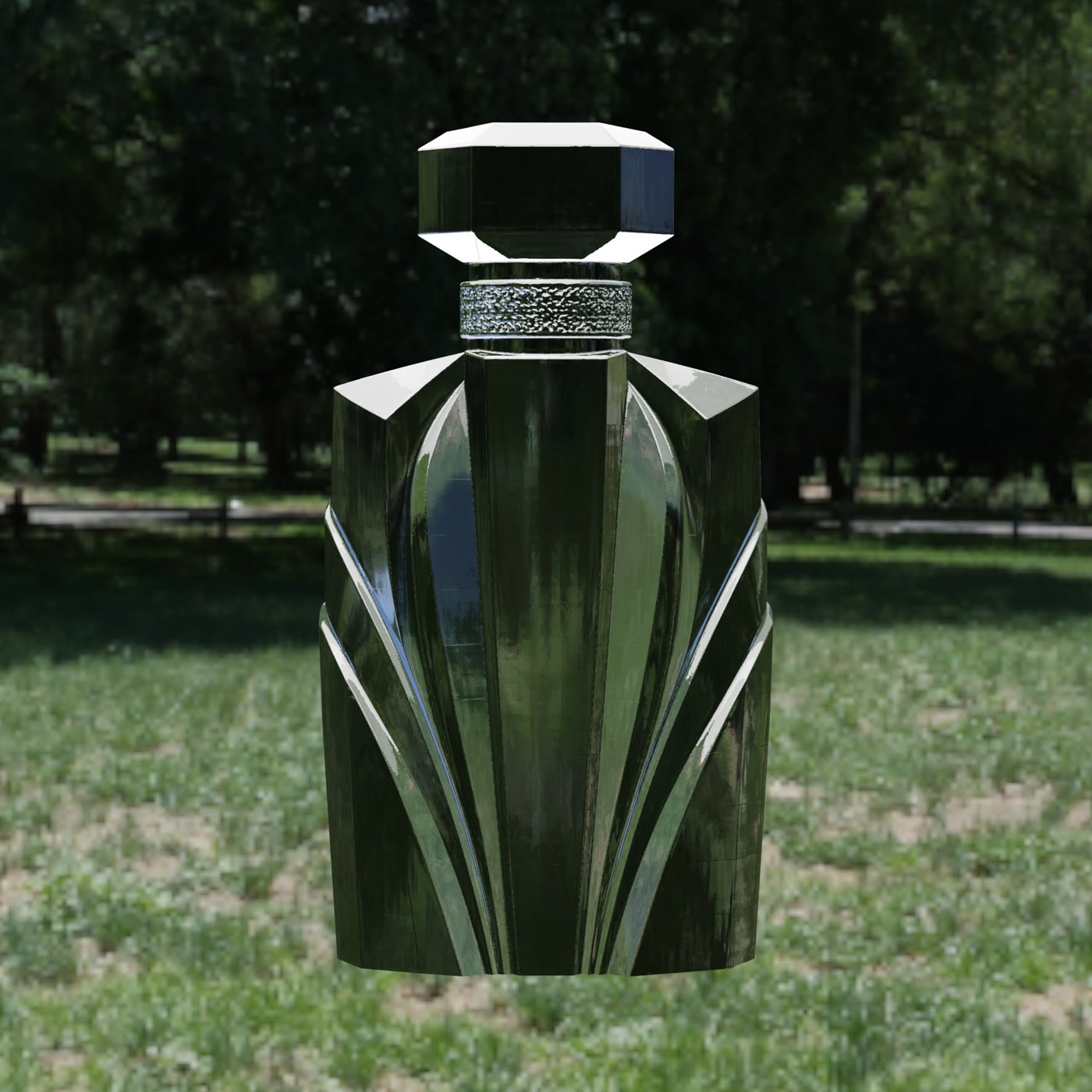
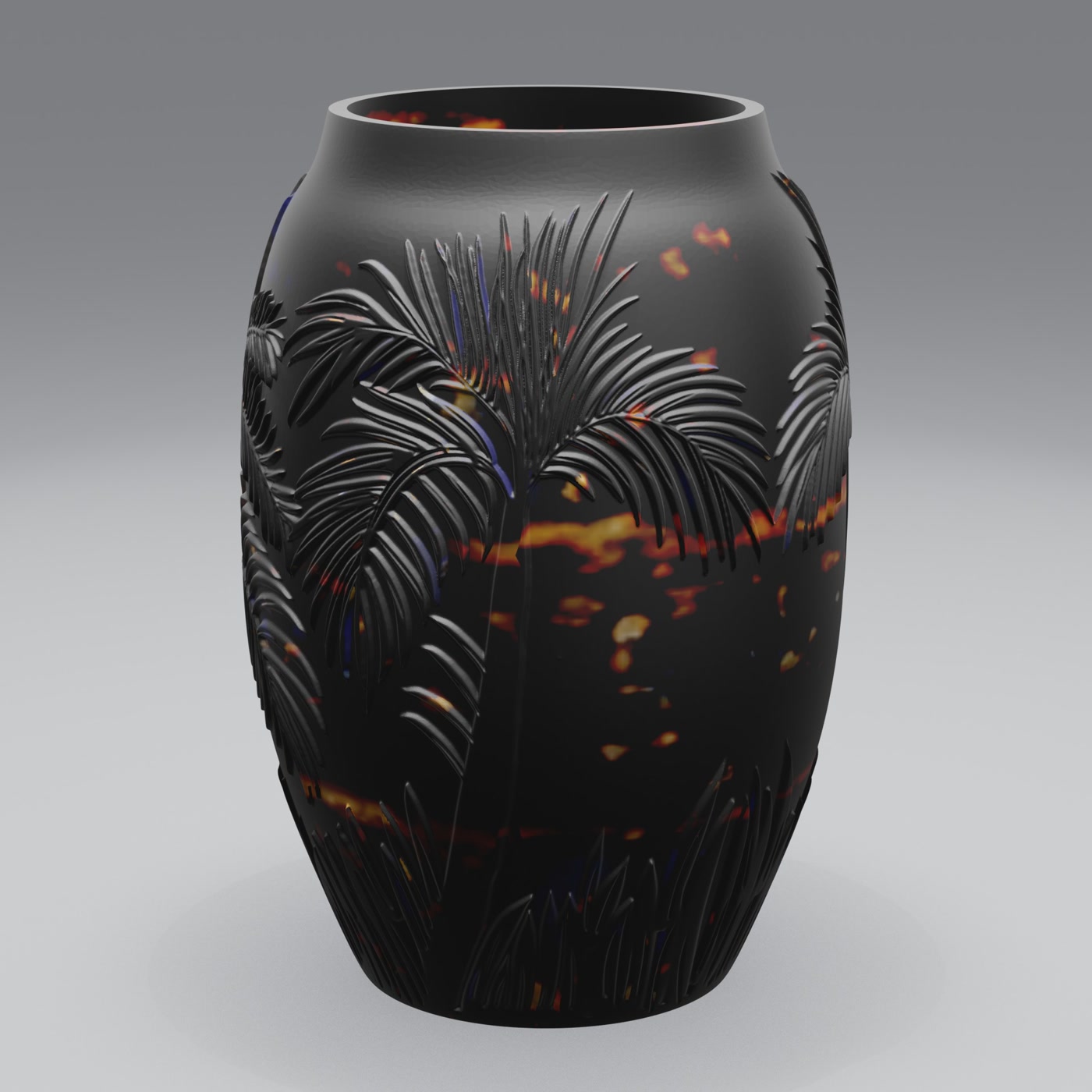
How it compares
Complex 3D software (Blender and similar)
Powerful and flexible, but steep learning curve. You set up lighting, cameras, materials and render passes manually. Great for artists; overkill if you just need product visuals.
Adaptive Render Studio
Built for one job: turning 3D models into product images and videos. Automatic presets, no manual setup required, no node editors. Import, pick a preset, click Render.
What you get without touching complex 3D software
- 74 material presets: metals, plastics, resins and more
- Studio lighting presets you can save and reuse
- 360° turntable videos exported as MP4
- Batch rendering for a whole folder of models
- STL, OBJ, GLB and GLTF support
- Free edition with no time limit
Frequently asked questions
Do I need to install Blender to use this?
No. Adaptive Render Studio is a standalone Windows application. You don't need Blender or any other 3D software installed. Everything you need is built in.
Is it hard to learn?
No. If you can drag a file and click a button, you can use it. The quick render preset handles lighting, cameras and materials automatically.
Can I still adjust the look if I want to?
Yes. Beyond the automatic presets, you can adjust lighting, cameras, materials and background with simple sliders and presets, without node graphs or scripting.
Which files does it support?
STL, OBJ, GLB and GLTF.
Try it free
The Free edition has no time limit and renders real images, so you can see how simple it is on your own models.
Related: