STL Renderer – turn STL files into product images
Adaptive Render Studio is a Windows STL renderer that turns your .stl models into clean, professional product images and 360° videos. Import the file, pick a preset, click Render. No 3D skills required.
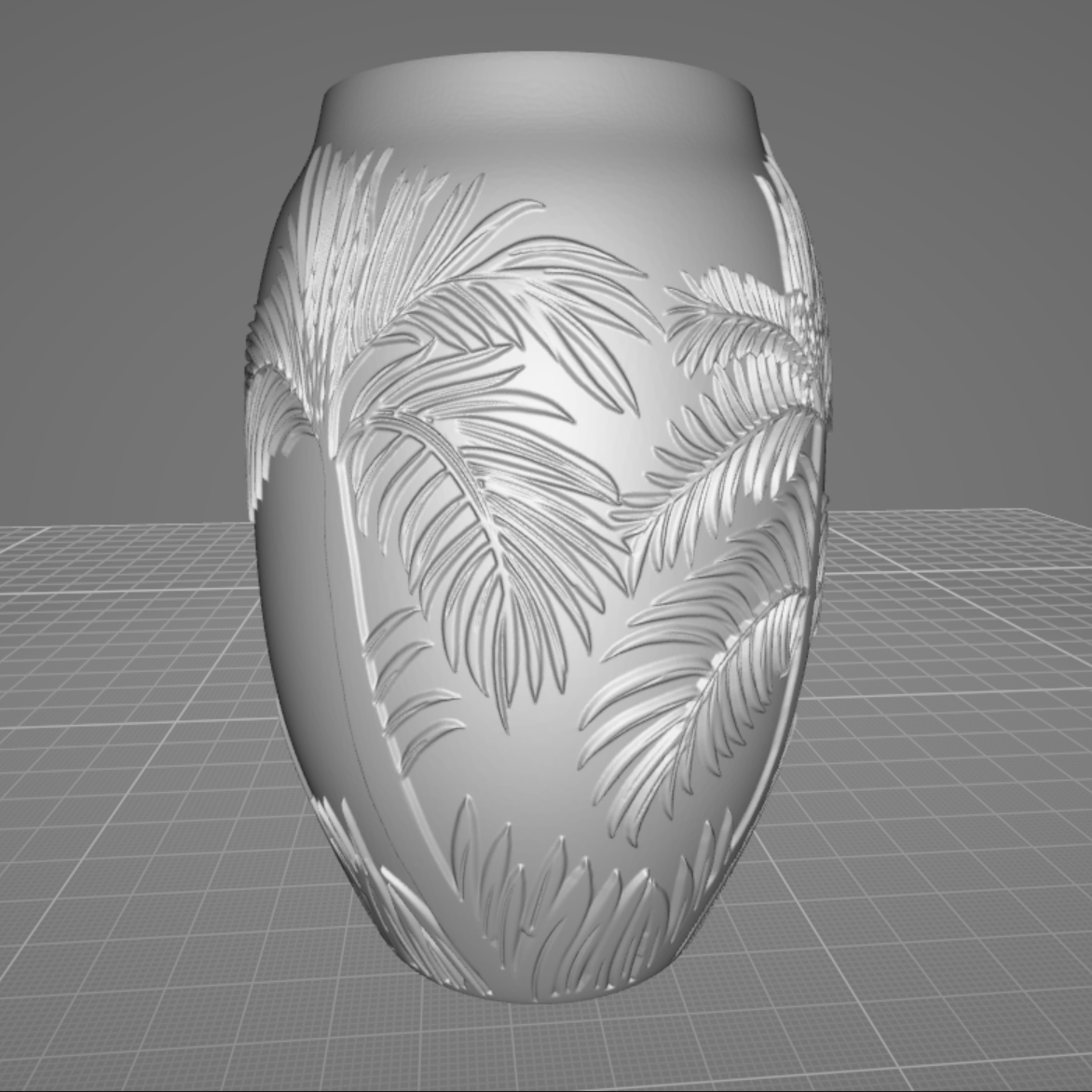
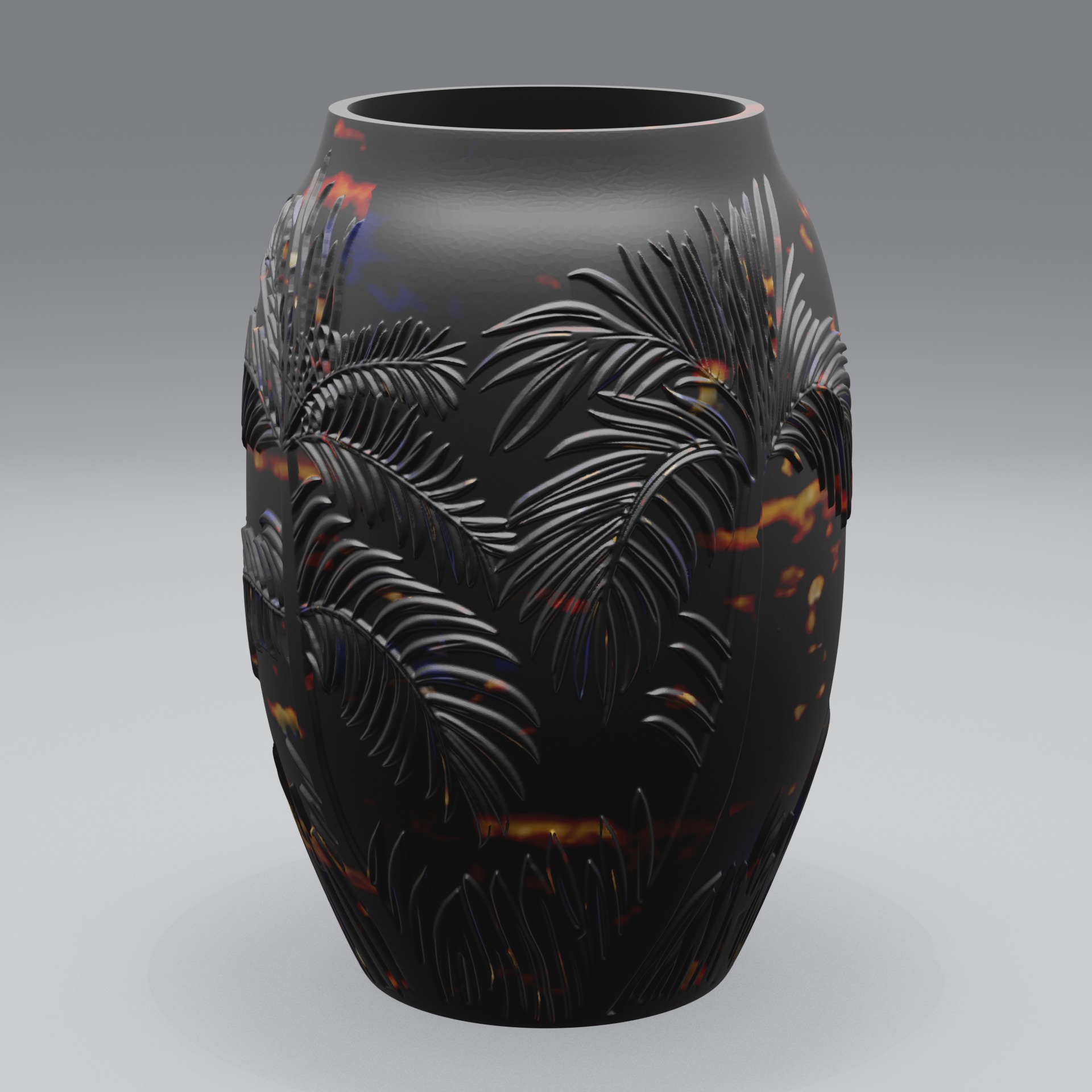
Render STL files directly, no conversion needed
STL is the most common file format for 3D printing, but STL files only store raw geometry: no colours, no materials, no lighting. On their own they look flat and grey. Adaptive Render Studio loads your .stl file directly and adds studio lighting, materials and a camera automatically, so you get a finished product image instead of a plain mesh.
You don't need to convert the STL first, and you don't need to learn a complex 3D suite. The app does the lighting, camera and materials for you when you use the quick render preset.
How to render an STL file in 3 steps
- Import your STL model. Drag and drop the .stl file into the app (or load a whole batch of them).
- Choose a preset. Pick a quick render, product photos, or a 360° turntable video. Adjust lighting, material and camera if you want more control.
- Click Render. Get finished product images or a 360° video, ready to upload to your store or portfolio.
What you can do with your STL renders
- Product listings for Etsy, Shopify, Amazon and other marketplaces
- Previews of 3D-printable models before you print them
- 360° turntable videos exported as MP4
- Consistent catalog images across many models using batch rendering
Why use a dedicated STL renderer
General 3D software can render STL files, but it's built for artists and has a steep learning curve. Adaptive Render Studio is built for one job: turning 3D models into product visuals. It ships with 74 material presets, studio lighting templates, and one-click output presets, so you can go from an STL file to a clean product image in just a few clicks.
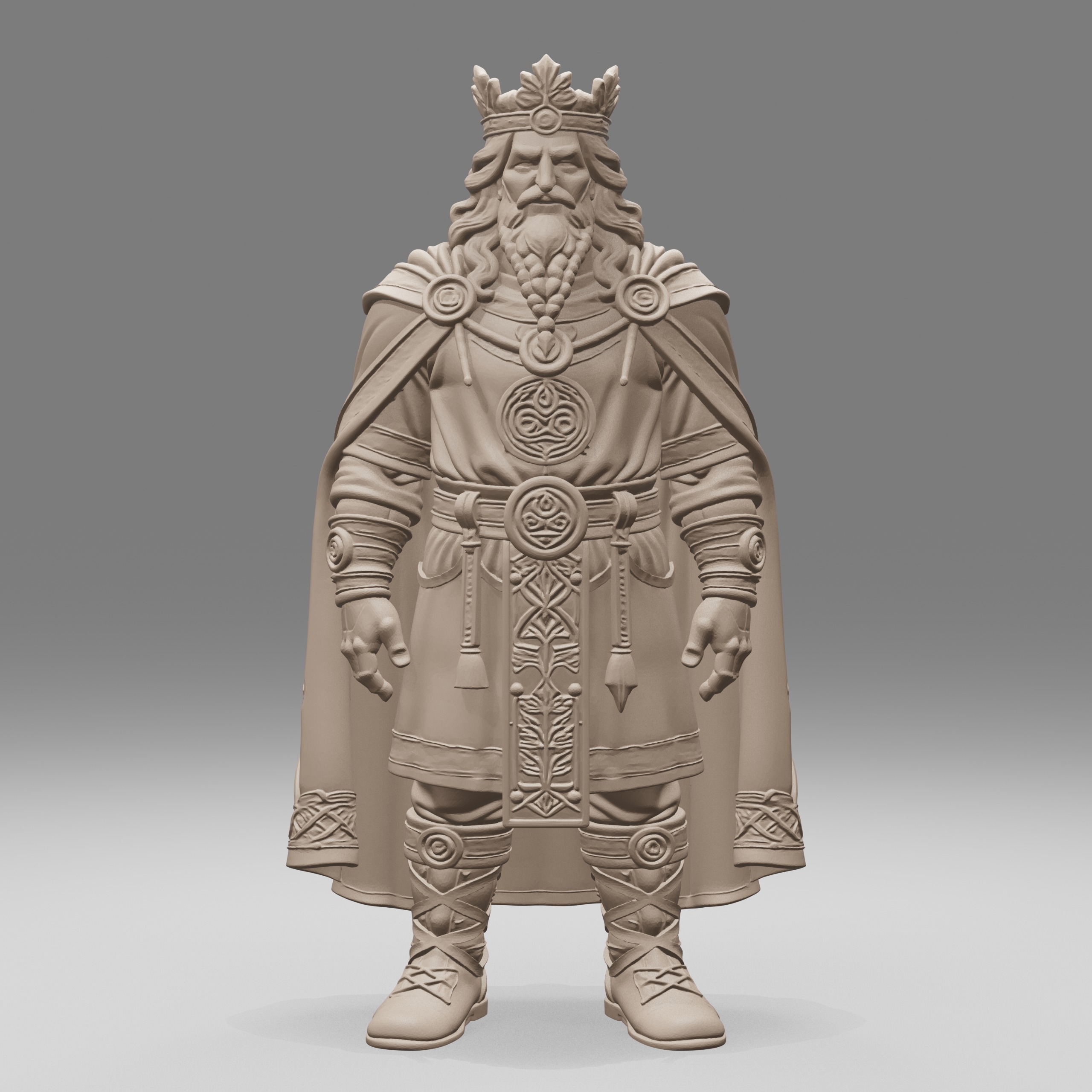
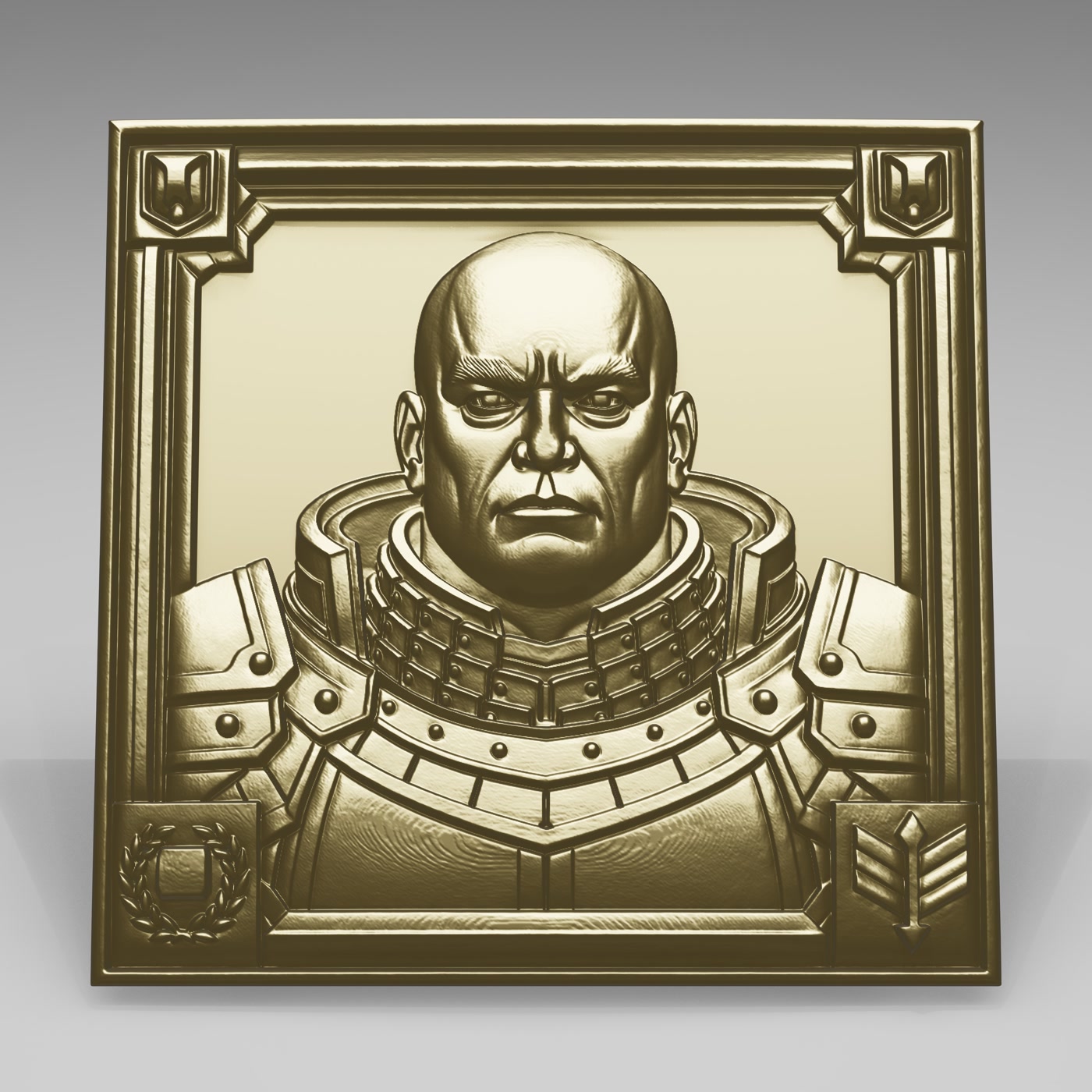
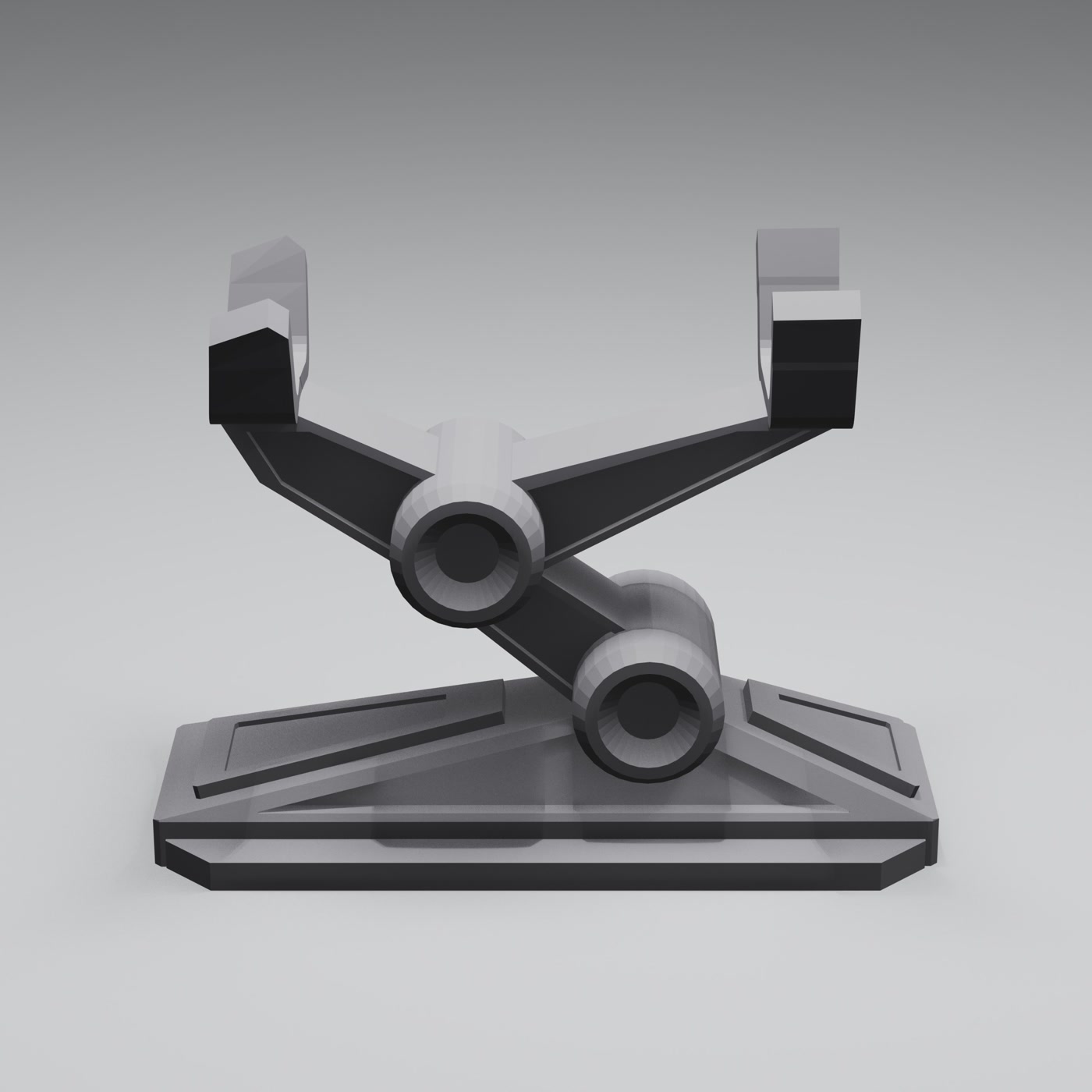
- 74 material presets across metals, plastics, resins and more
- Studio lighting presets you can save and reuse
- 360° turntable videos exported as MP4
- Batch rendering for a whole folder of STL files
- Free edition with no time limit, so you can try it on your own models first
Frequently asked questions
Can I render an STL file without converting it?
Yes. Adaptive Render Studio loads .stl files directly. You import the model, pick a preset and click Render. No conversion step needed.
Do I need to know 3D software to render STL files?
No. The quick render preset sets up lighting, cameras and materials automatically. If you want more control, you can adjust them with simple sliders and presets.
Can I render many STL files at once?
Yes. Batch rendering lets you queue a whole folder of STL models and render them one after another with the same look.
What do I need to run it?
Windows with a graphics card that supports OpenGL 4.3, 8 GB RAM minimum (16 GB recommended), and a screen of at least 1600×900 usable pixels. The Free edition lets you check compatibility before buying.
Try it on your own STL files
The Free edition has no time limit and renders real images, so you can see the quality on your own models before upgrading.
Related: